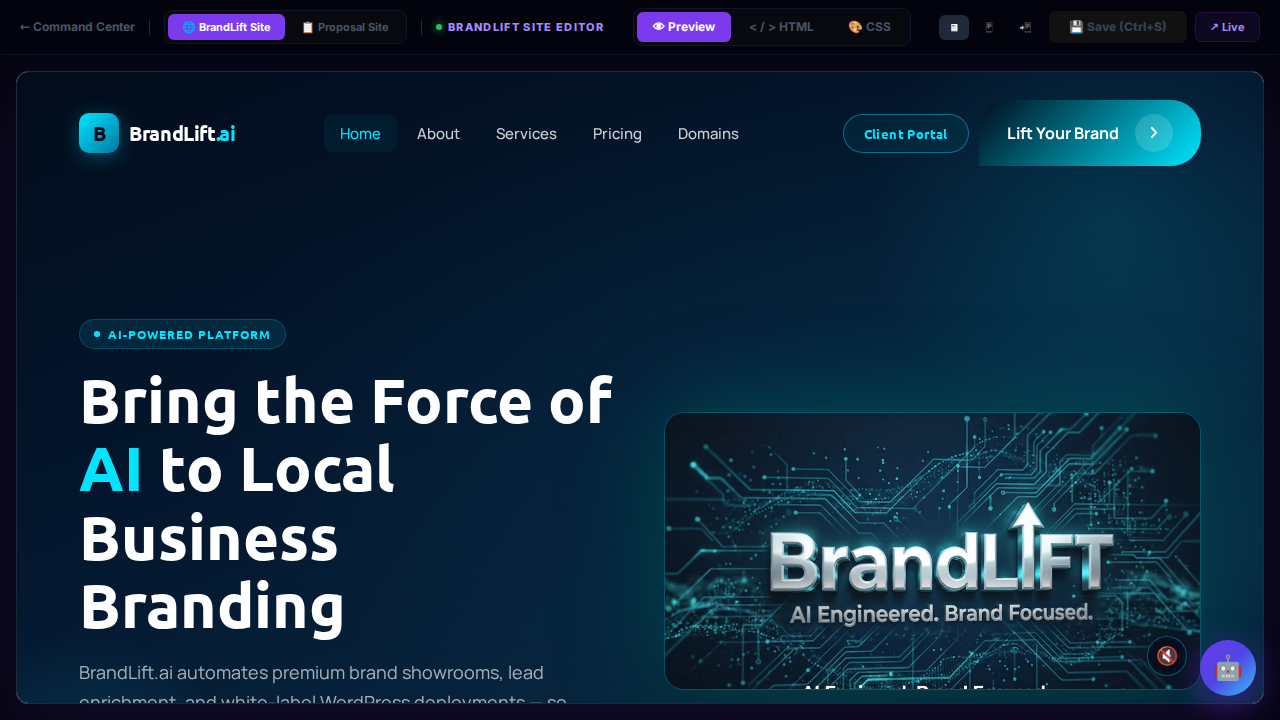
Command Center — Main Menu
The central navigation hub for all BrandLift operational modules. Every section of the platform is accessible from this tile grid, organised by phase: Support, Marketing, Client, Recon, Infra, Config, and more.
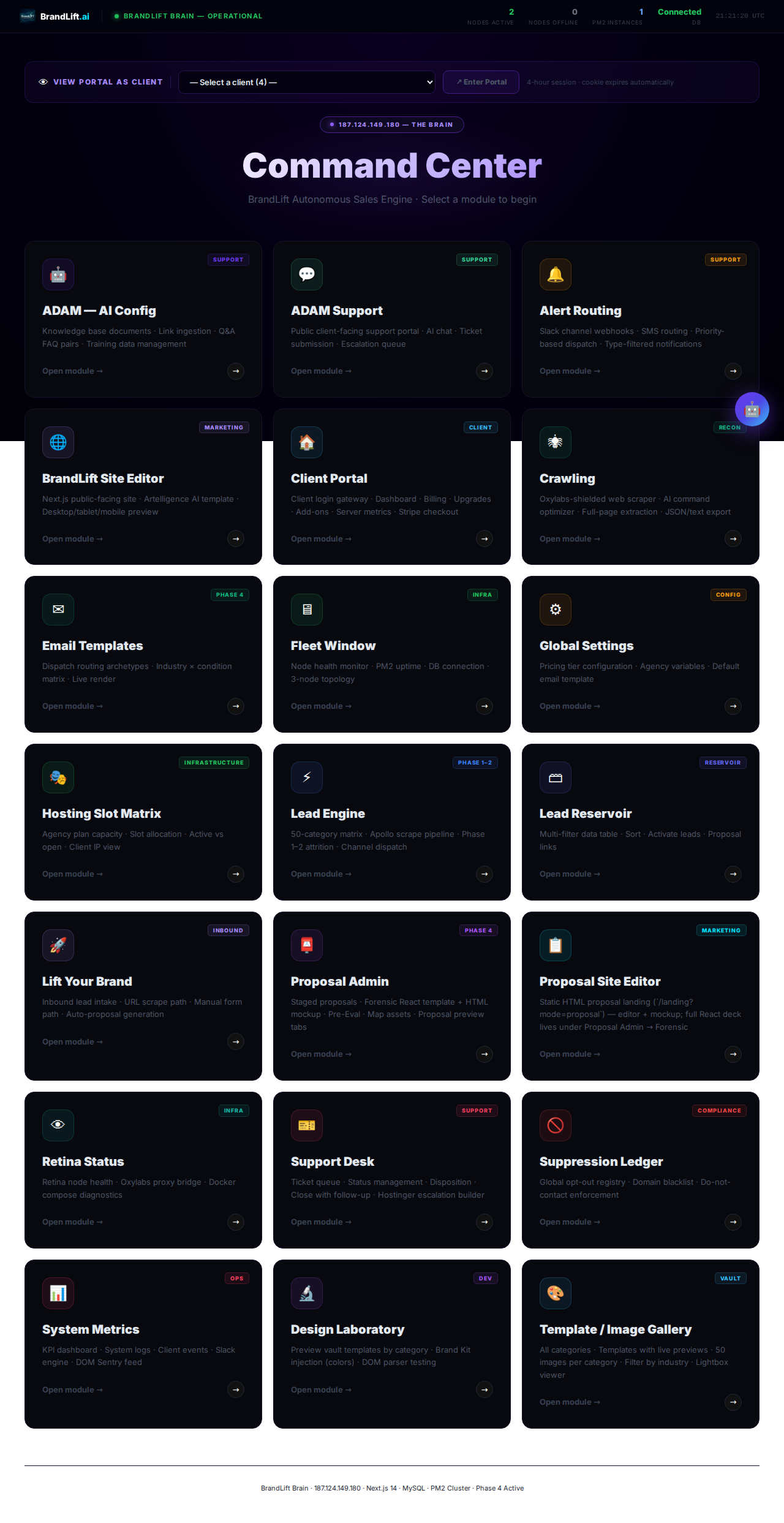
ADAM — AI Config
Manages the knowledge base that powers the ADAM AI assistant. Upload documents, ingest URLs, create FAQ pairs, and manage all training data that shapes ADAM's responses.
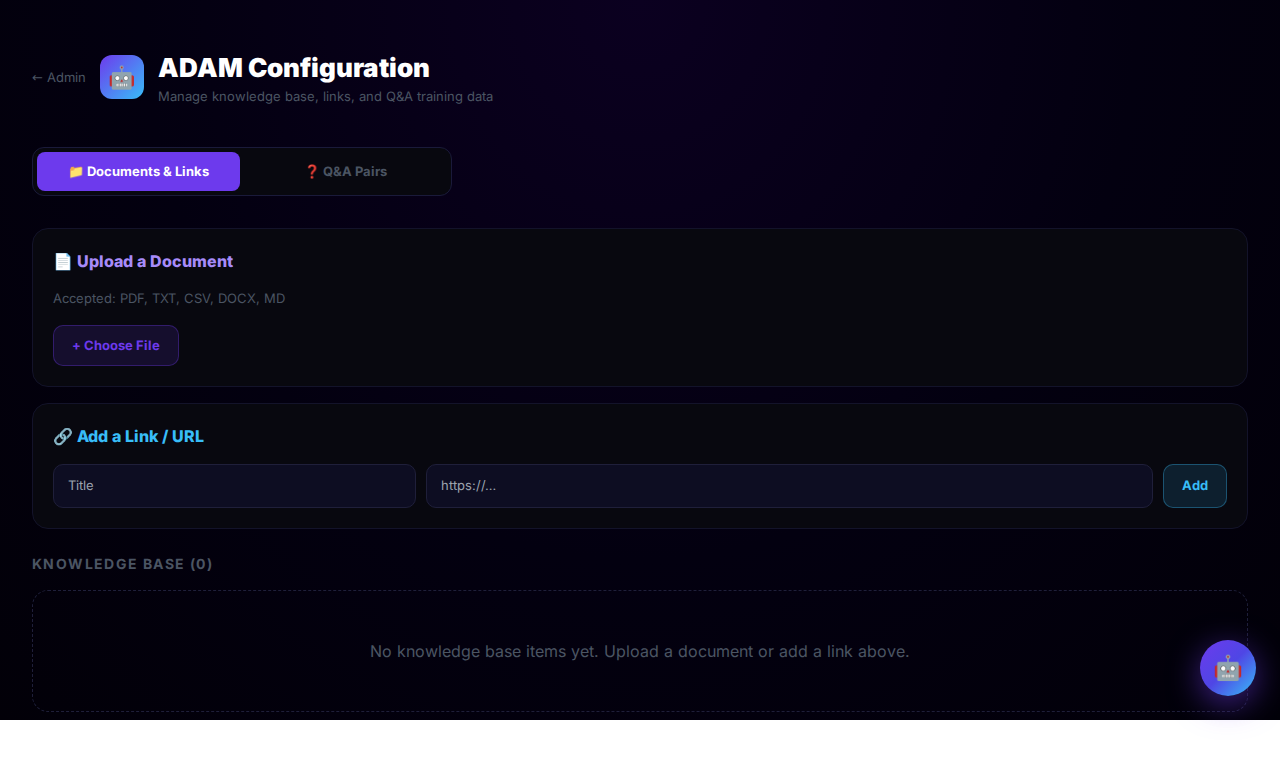
Alert Routing
Configures outbound notification channels. Defines Slack webhooks, SMS routing rules, priority-based dispatch logic, and type-filtered alert subscriptions so the right person is notified instantly.
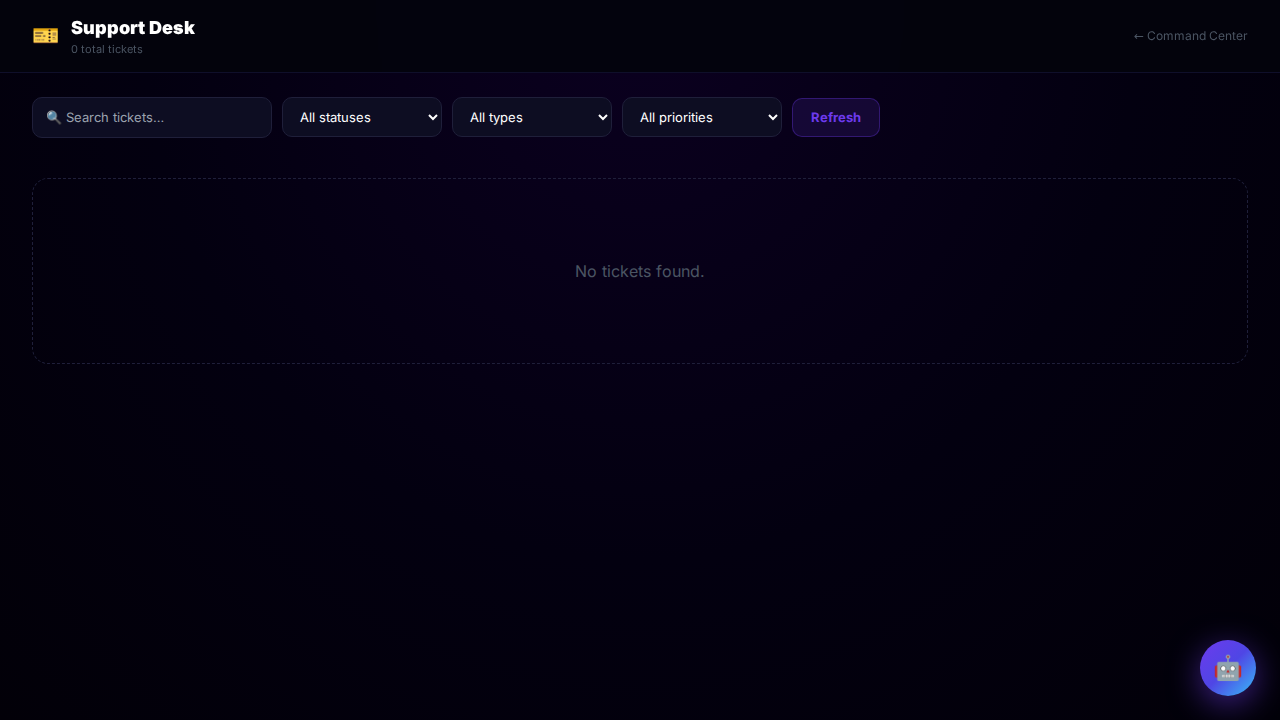
Support Desk
Internal ticket management queue. View open support tickets, update status, add dispositions, close with follow-up messages, and build Hostinger escalation bundles for hosting-related issues.
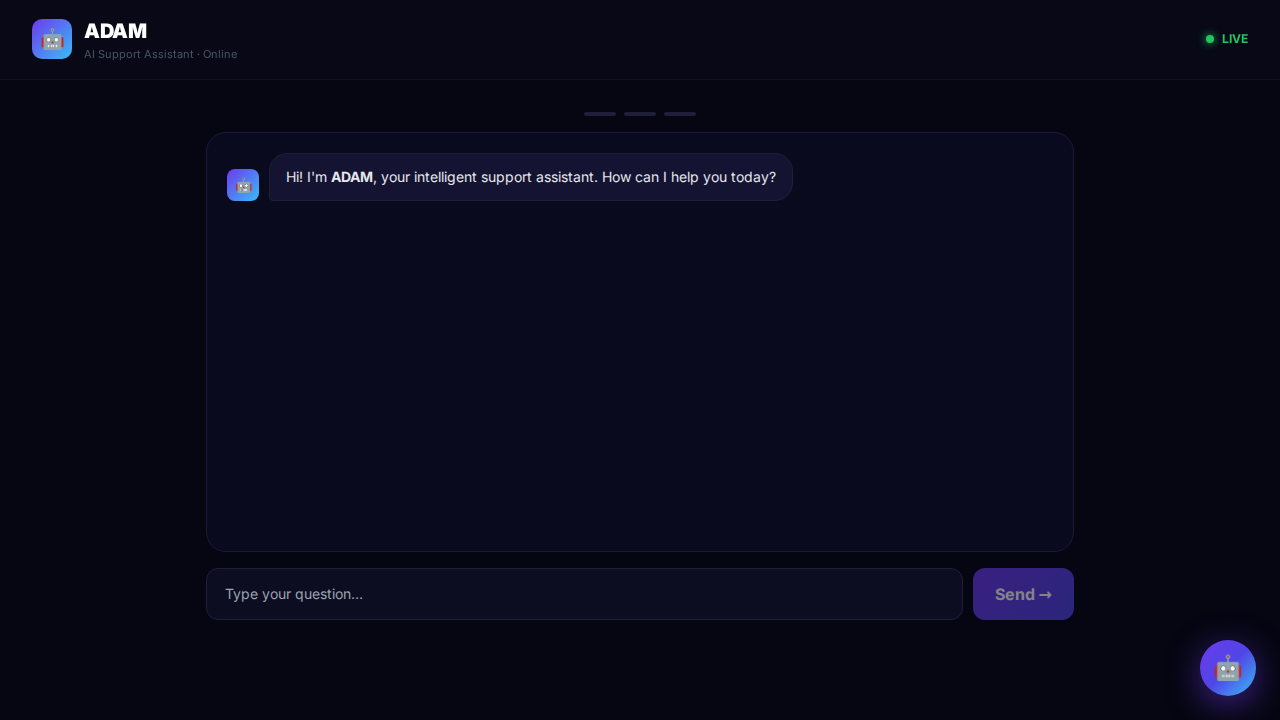
ADAM Support Portal (Public)
The public-facing client support portal powered by ADAM. Clients can chat with the AI assistant, submit support tickets, and have complex issues escalated to a human agent.
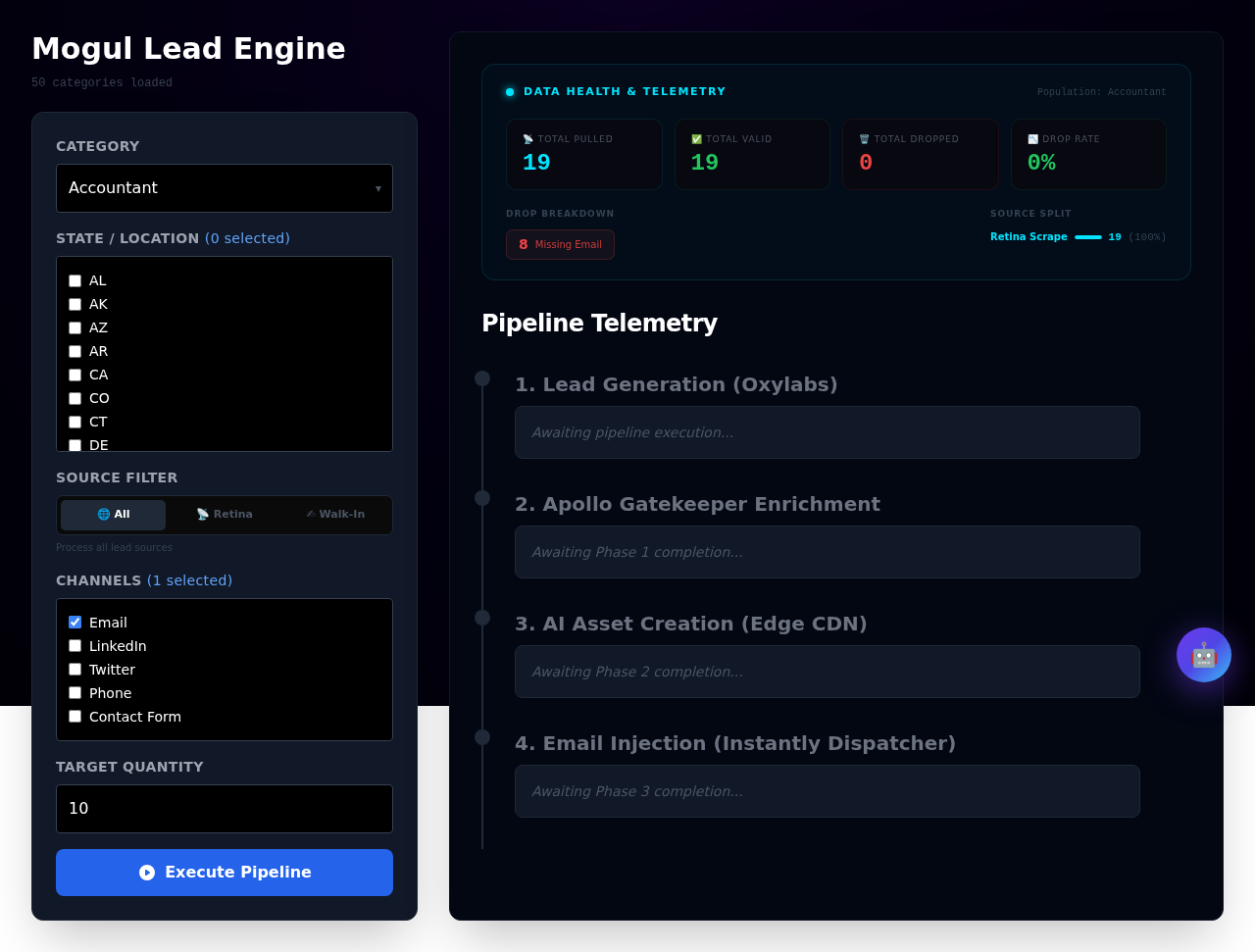
Lead Engine
Drives the outbound prospecting pipeline. Runs Apollo scrapes across 50 industry categories, manages Phase 1–2 attrition filtering, and dispatches qualified leads to email / SMS channels.
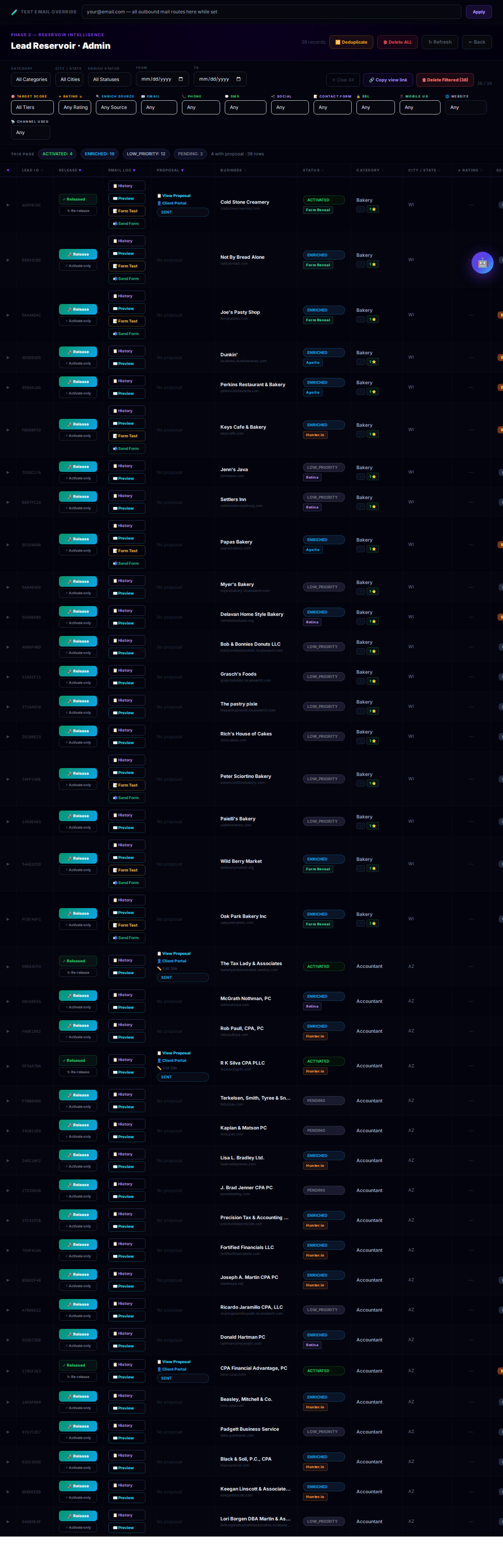
Lead Reservoir
The master leads database. Multi-column filtering, sortable table, lead activation controls, and direct links to generate personalised proposals for each prospect.
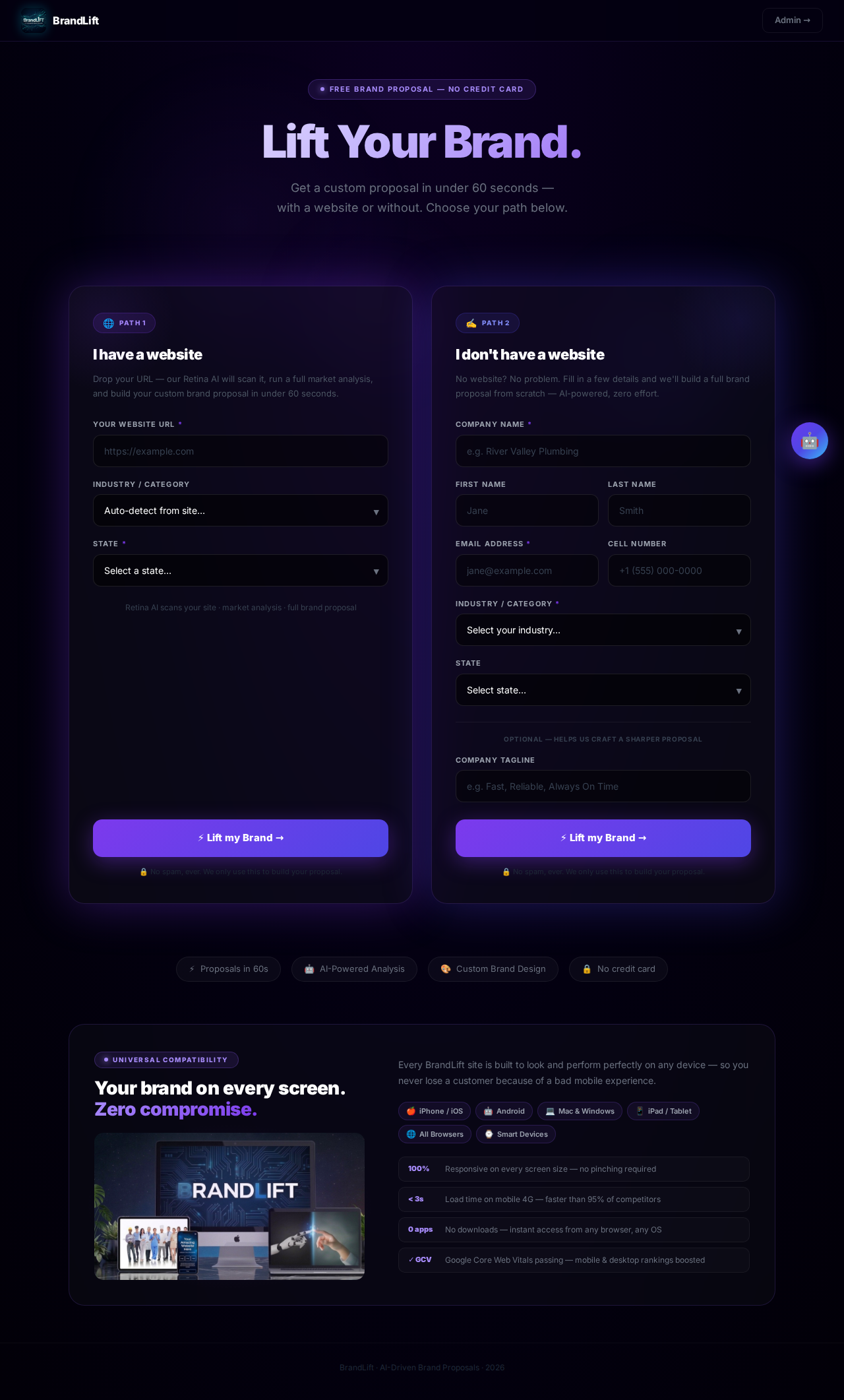
Lift Your Brand (Inbound Intake)
The inbound lead capture form. Prospects land here to kick off the intake flow — either via URL scrape (auto-fills business data) or manual form entry — which auto-generates a personalised proposal.
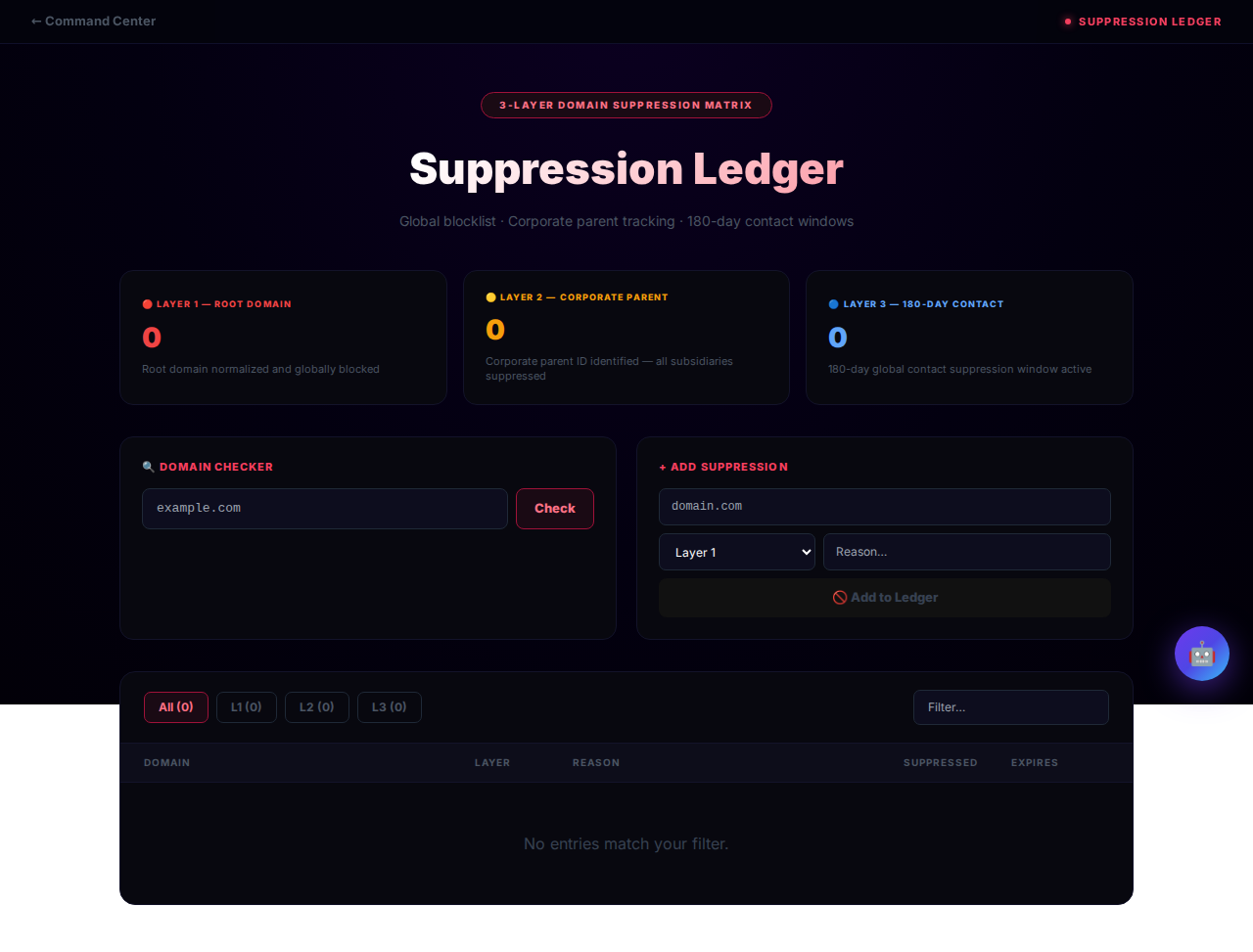
Suppression Ledger
Global opt-out and do-not-contact registry. Tracks domain blacklists and email suppressions to ensure compliance and prevent sending to unsubscribed contacts.
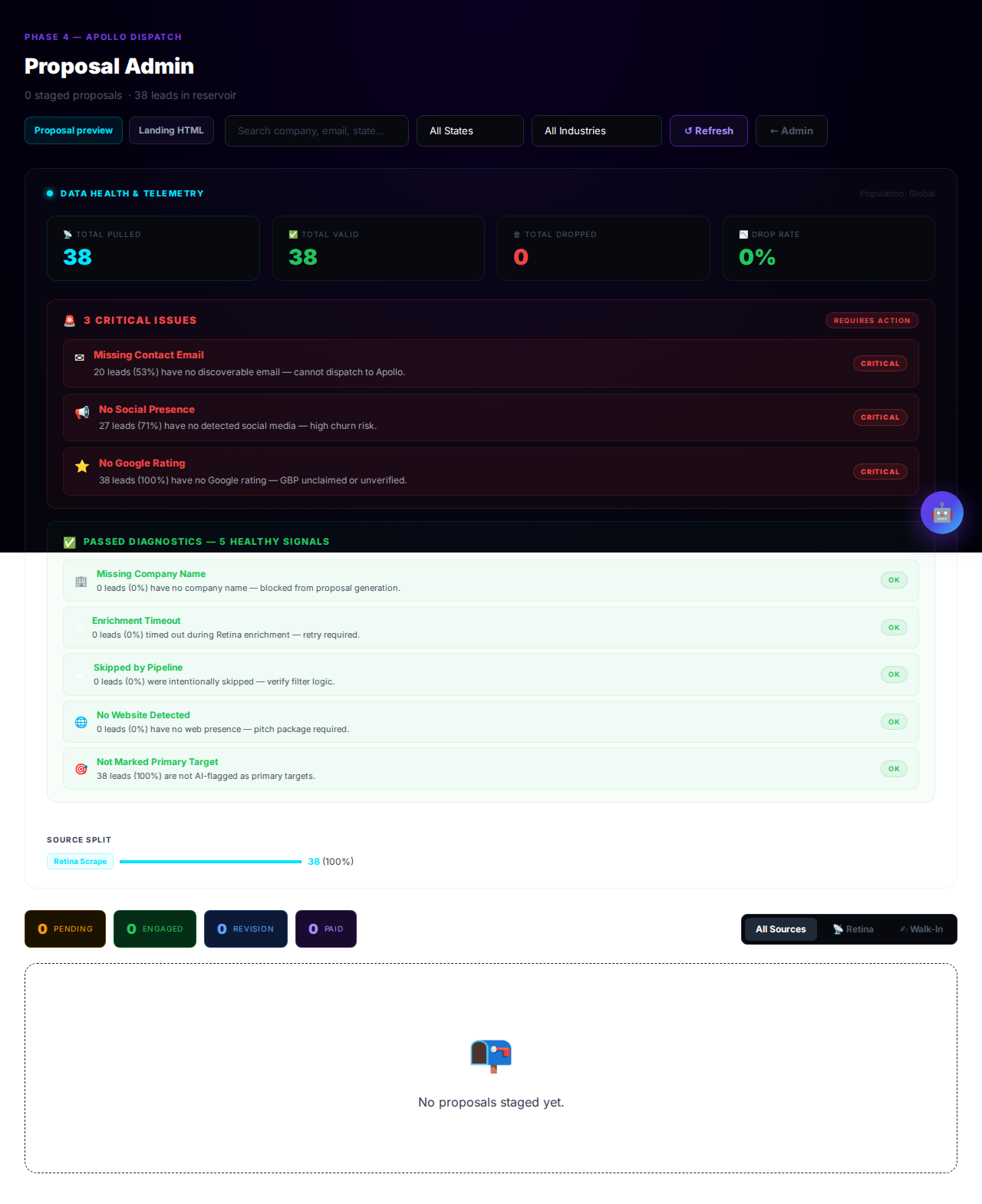
Proposal Admin
The staging area for all active proposals. Shows the forensic React proposal deck and HTML mockup side-by-side, supports Pre-Eval scoring, asset mapping, and proposal preview across all tabs.
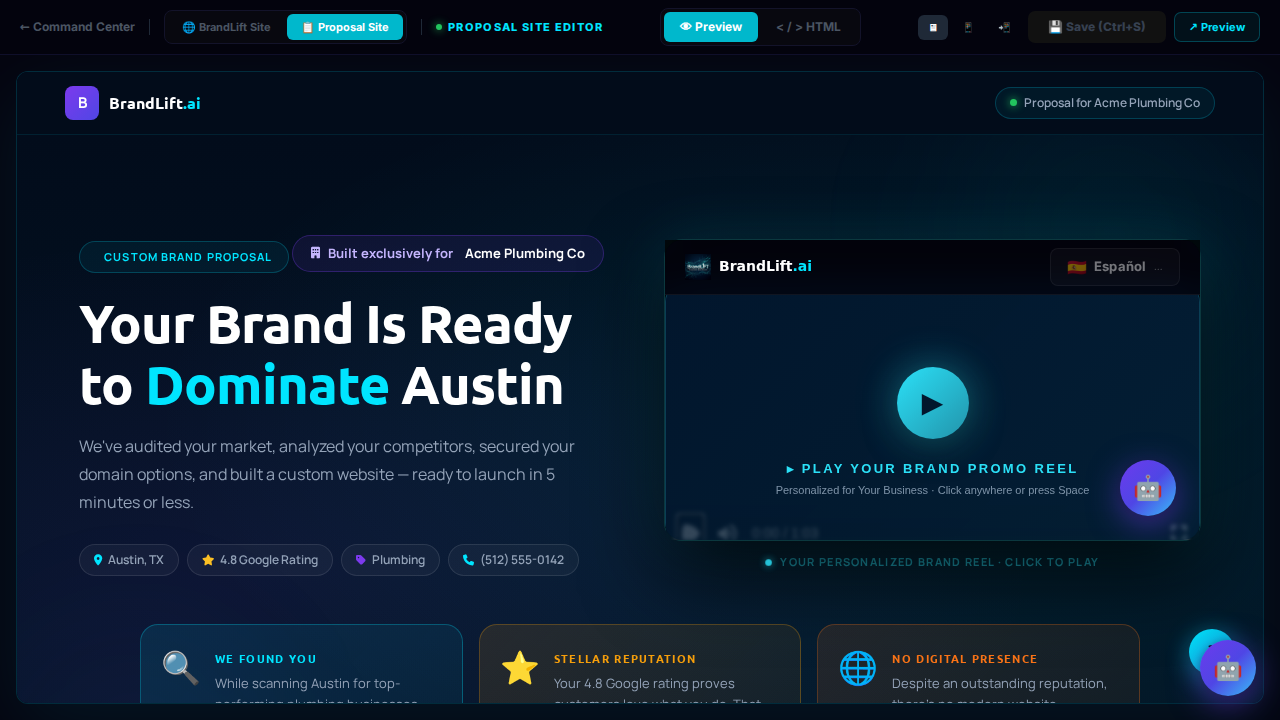
Proposal Site Editor
Static HTML proposal landing page editor. Used to customise the publicly-shared proposal page that prospects receive. Includes live mockup preview and desktop/tablet/mobile viewports.
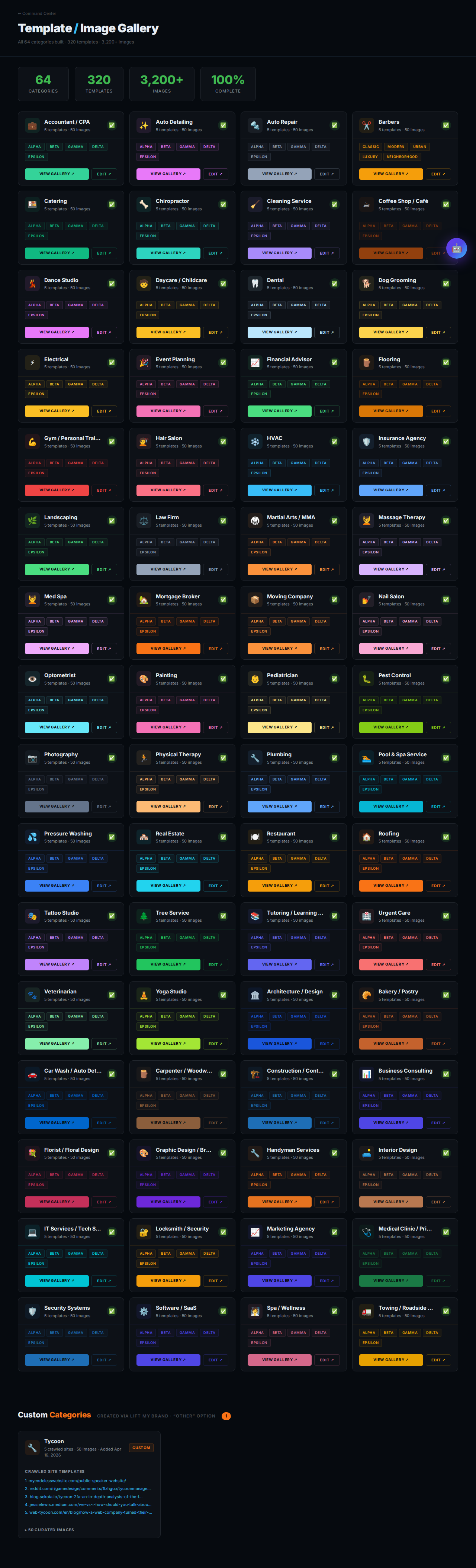
Template / Image Gallery
Browse all vault templates across 50+ industries. Each category shows up to 50 live-preview images with a lightbox viewer and industry filter, used during proposal asset selection.
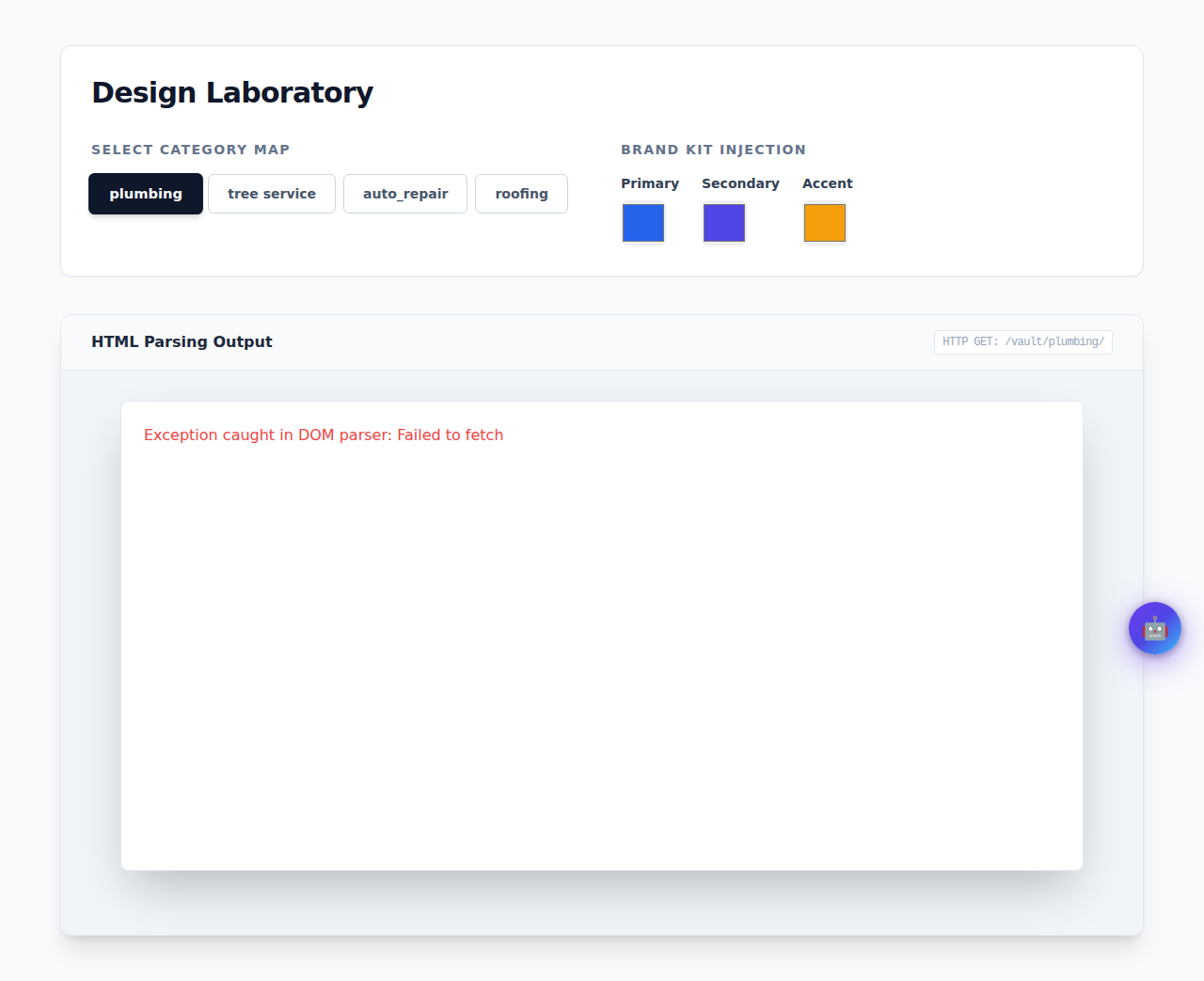
Design Laboratory
Developer preview environment for vault templates. Inject brand kit colours, run DOM parser tests, and preview any template with real client data before committing to production.
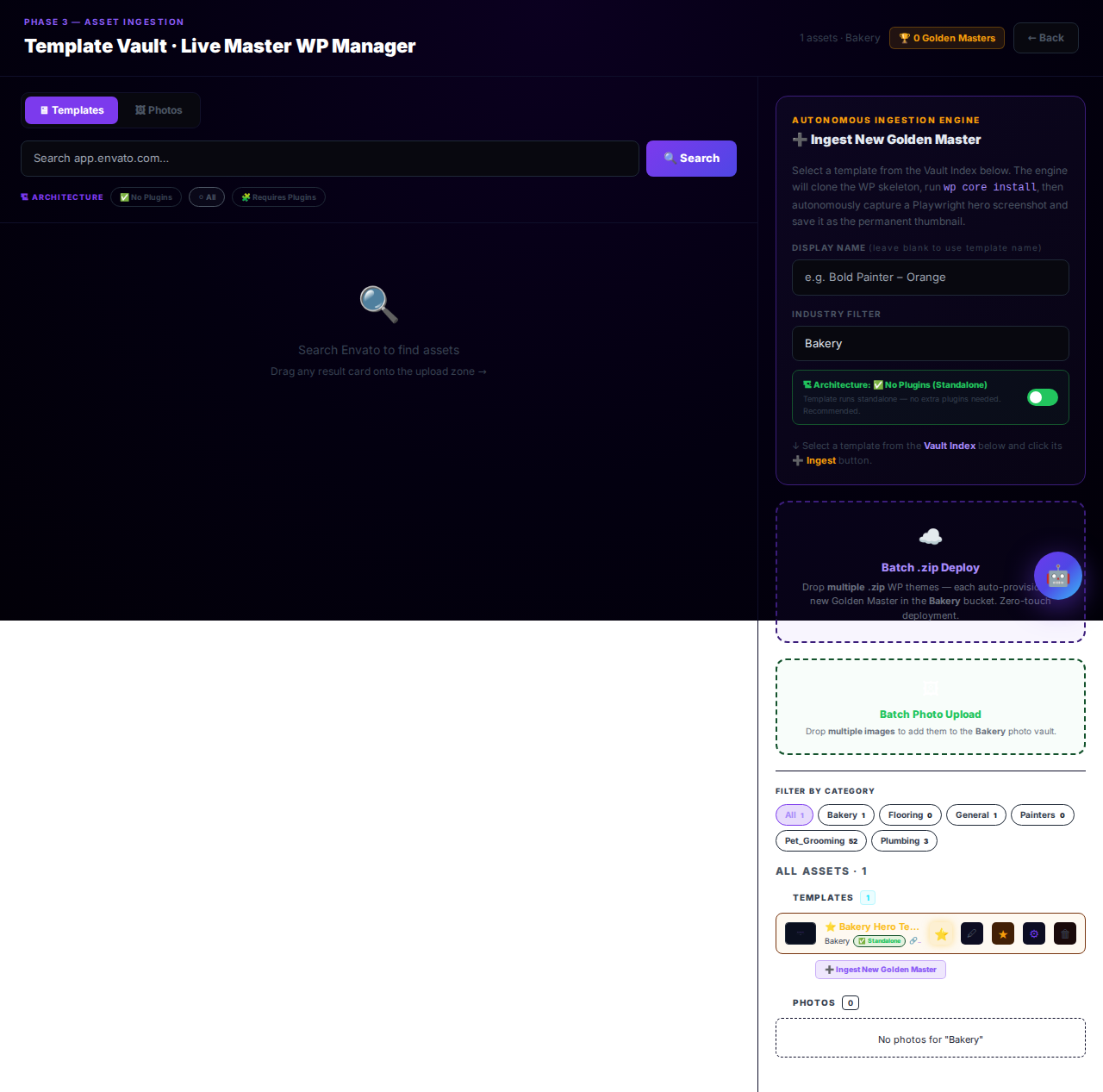
Template Vault
The master repository of all site templates. Browse, inspect, and manage every template available for client site provisioning.
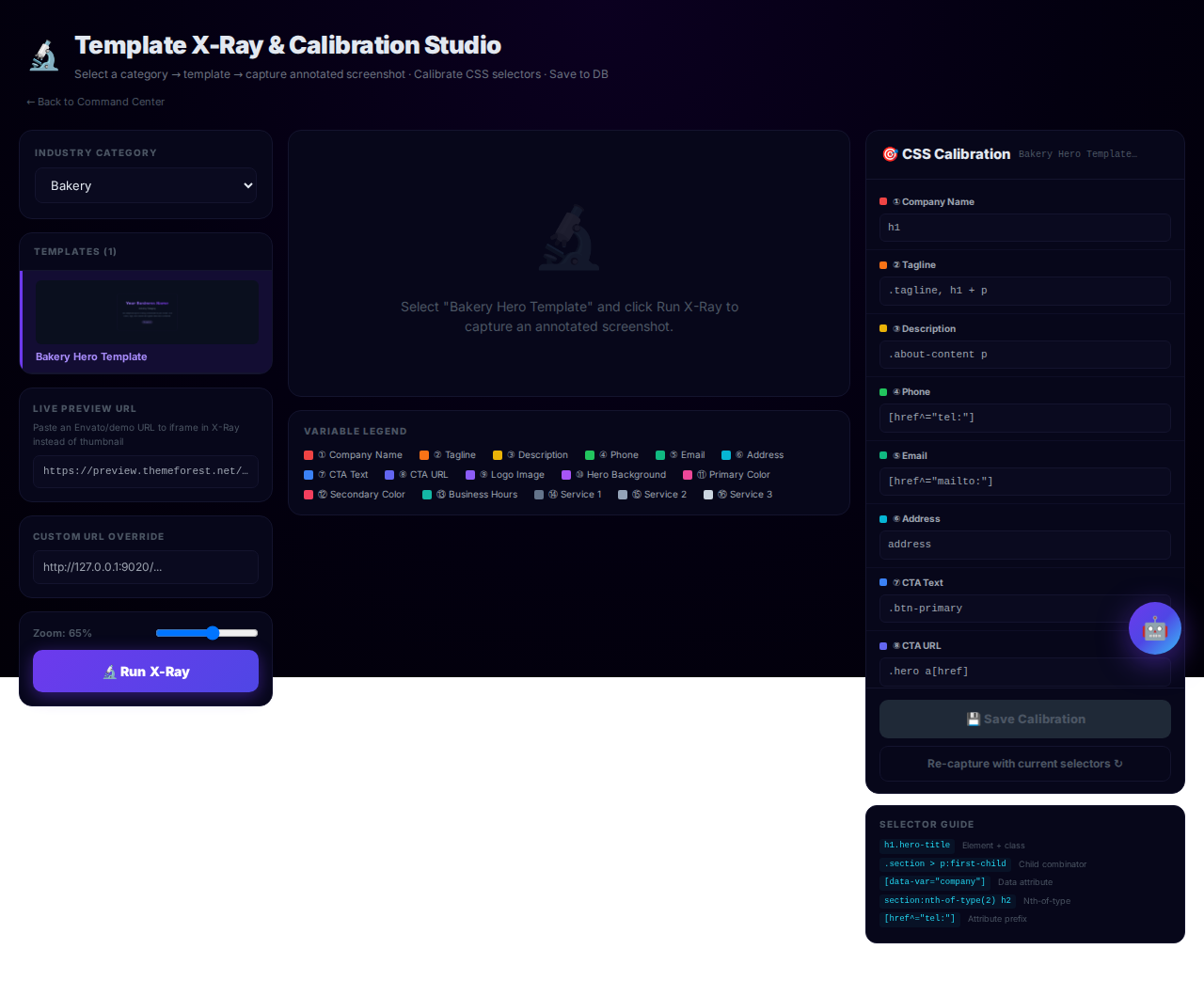
Template X-Ray
Deep inspection tool for vault templates. Analyses template structure, component inventory, and compatibility flags to ensure templates meet deployment standards.
CMS White Label
White-label configuration panel for the client CMS. Customise branding, logos, and platform identity presented to clients inside their CMS dashboard.
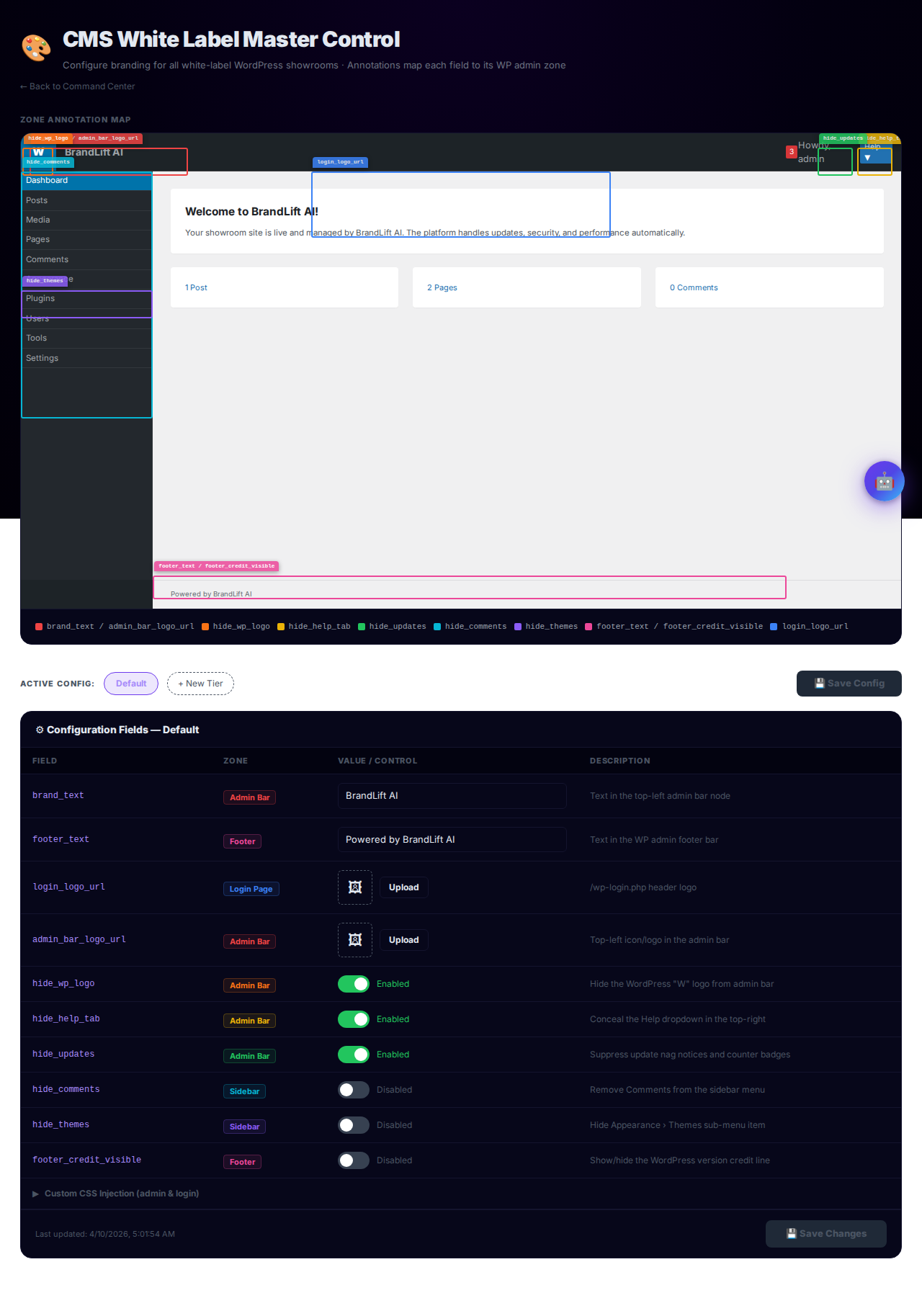
Fleet Window
Real-time infrastructure health monitor. Displays PM2 process uptime, database connection status, and a 3-node server topology diagram so issues can be spotted at a glance.
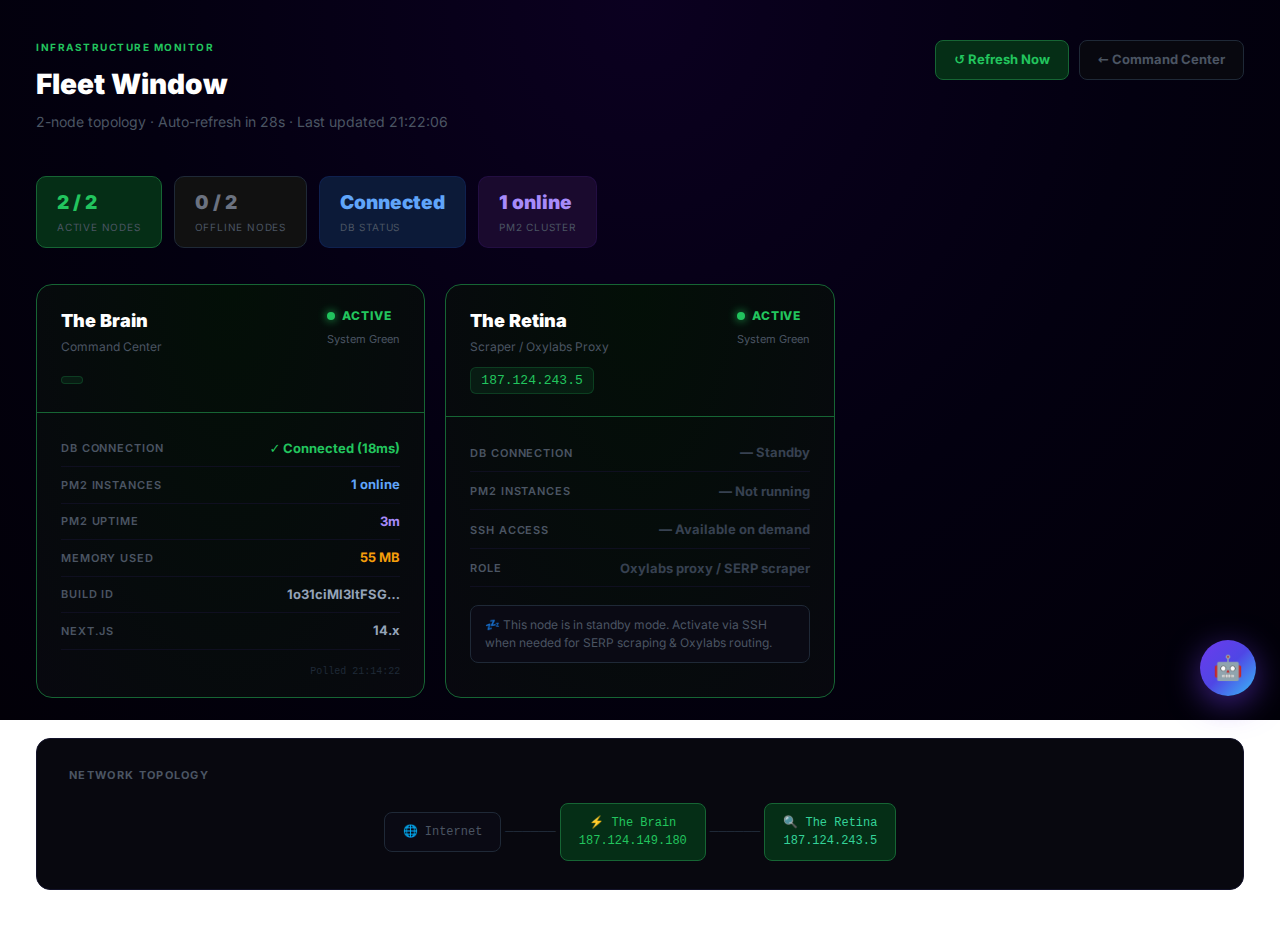
Hosting Slot Matrix
Agency hosting capacity dashboard. Shows each hosting plan's slot allocation, active vs. open slots, and the client IP assigned to each occupied slot.
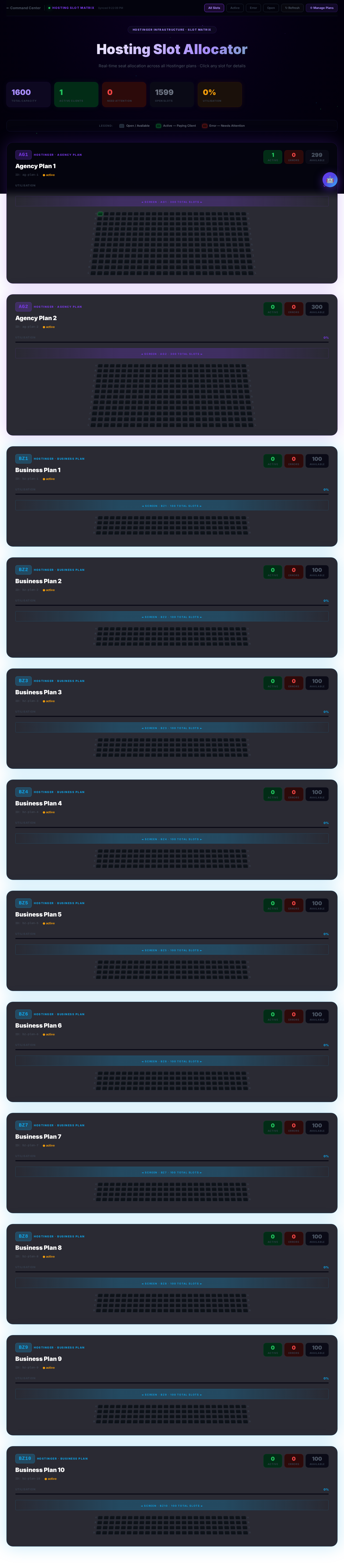
Retina Status
Health monitor for the Retina scraping node and Oxylabs proxy bridge. Shows Docker Compose diagnostics, proxy connectivity, and node availability.
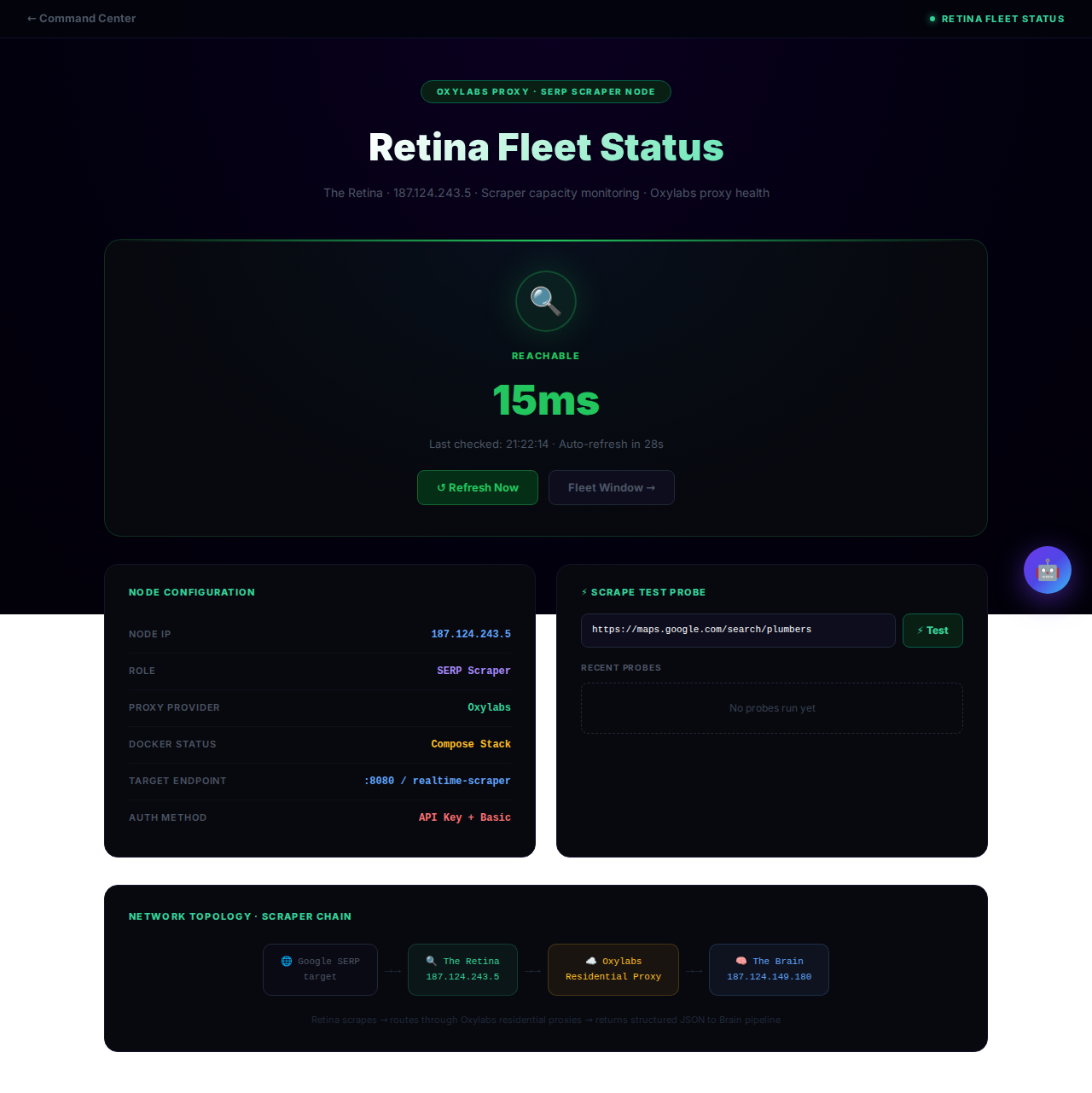
System Metrics
KPI dashboard and live operations feed. Tracks key business metrics, surfaces system logs, client events, Slack engine activity, and DOM Sentry error reports.
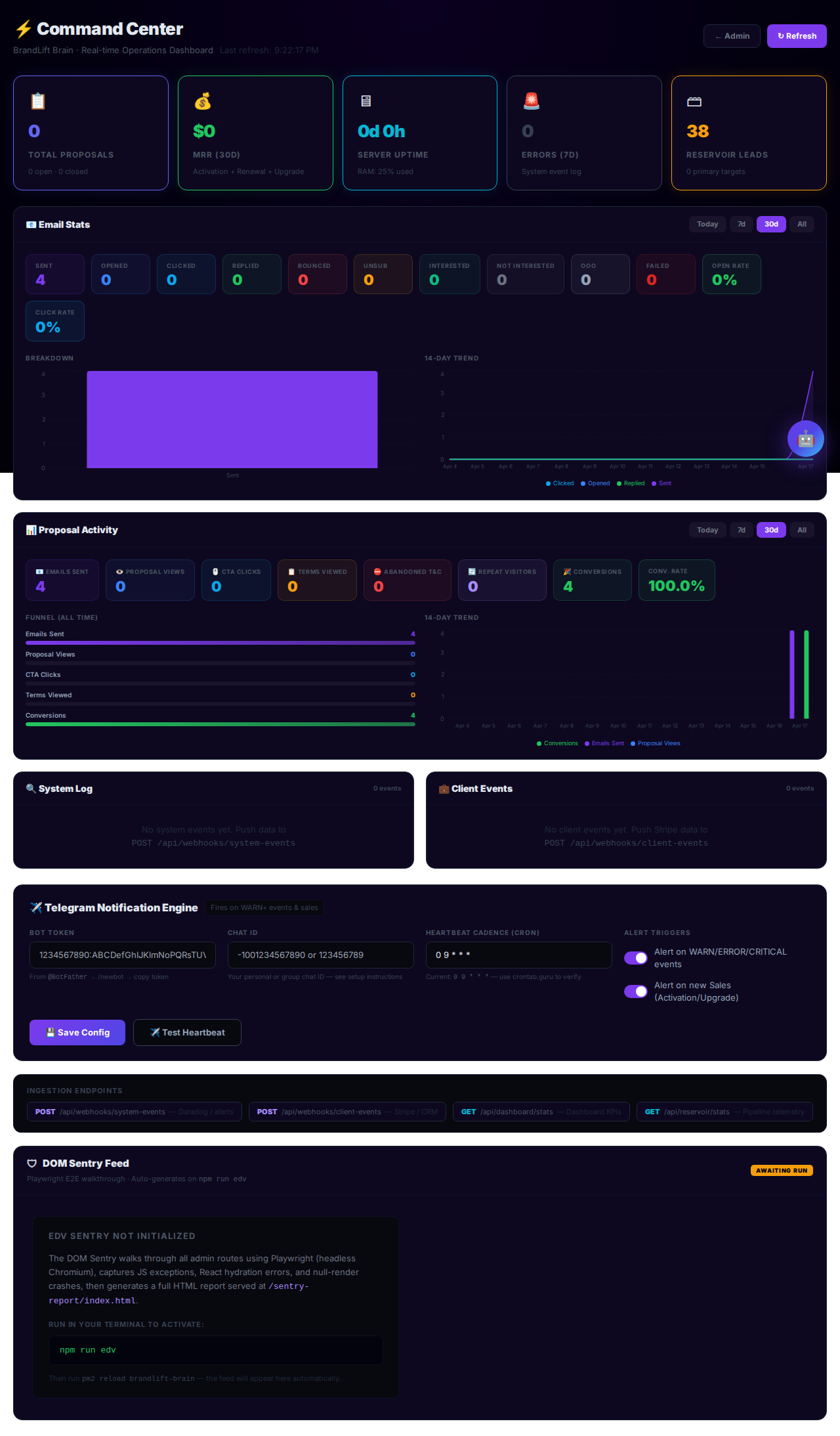
Global Settings
Platform-wide configuration. Set pricing tier values, agency branding variables, and the default email template applied to new outbound campaigns.
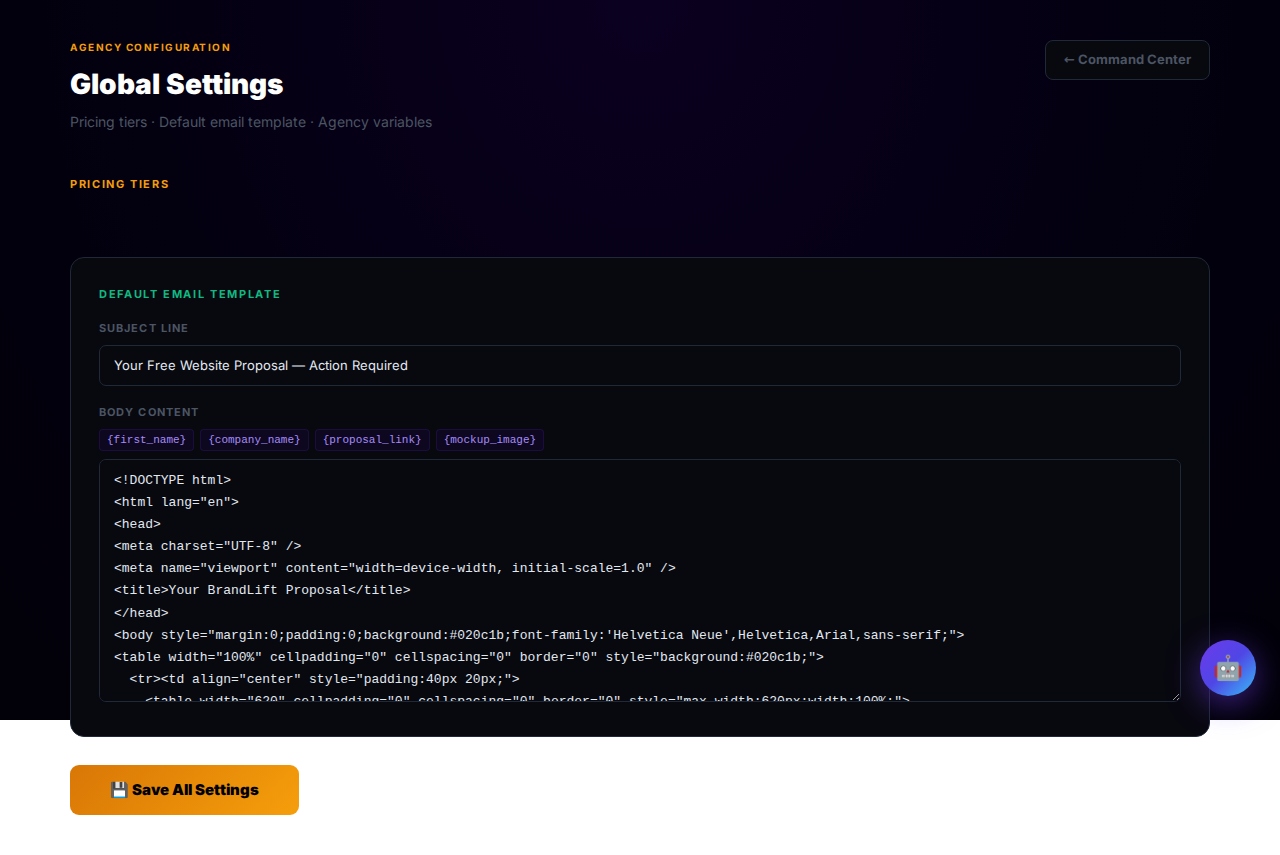
Email Templates
Email dispatch routing archetypes. Define email templates mapped to industry × condition combinations, with a live render preview so every outbound message looks polished.
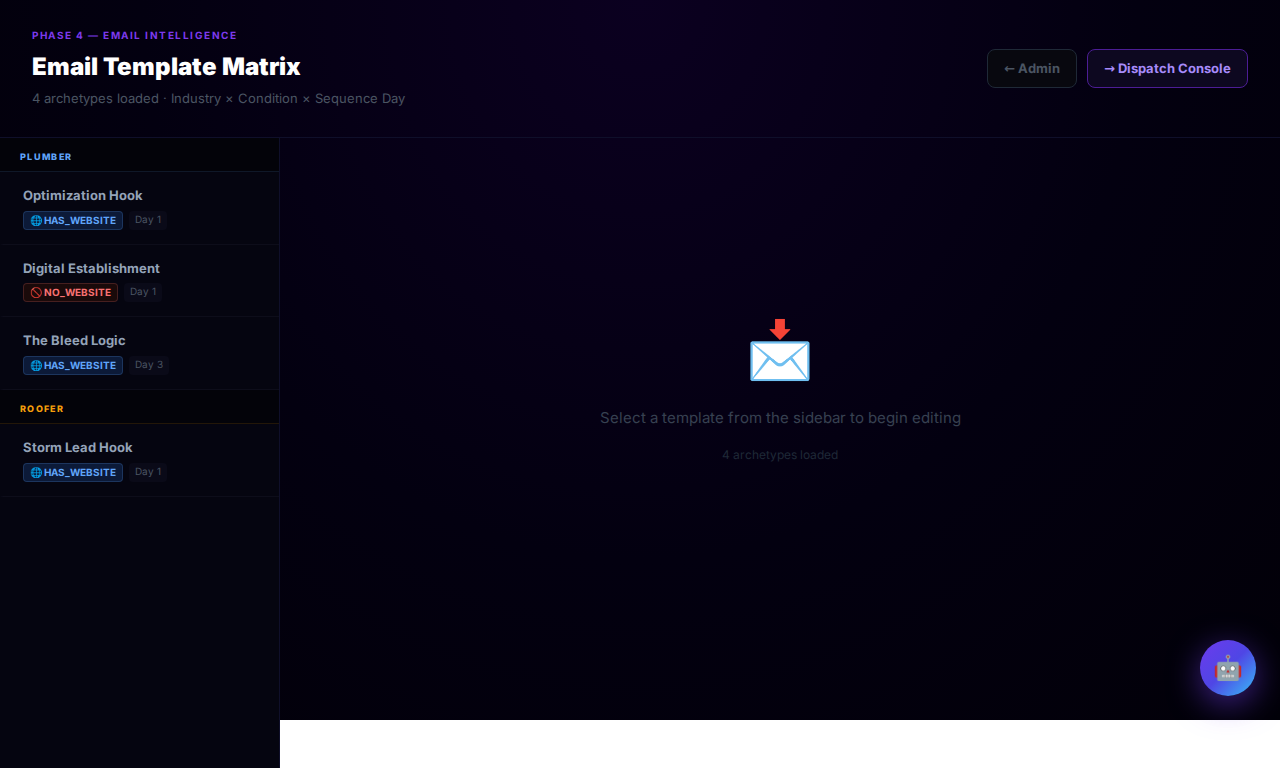
Hosting Plans
Manage the hosting plan catalogue. Define plan names, capacities, pricing, and feature sets that are offered to clients during checkout and upgrades.
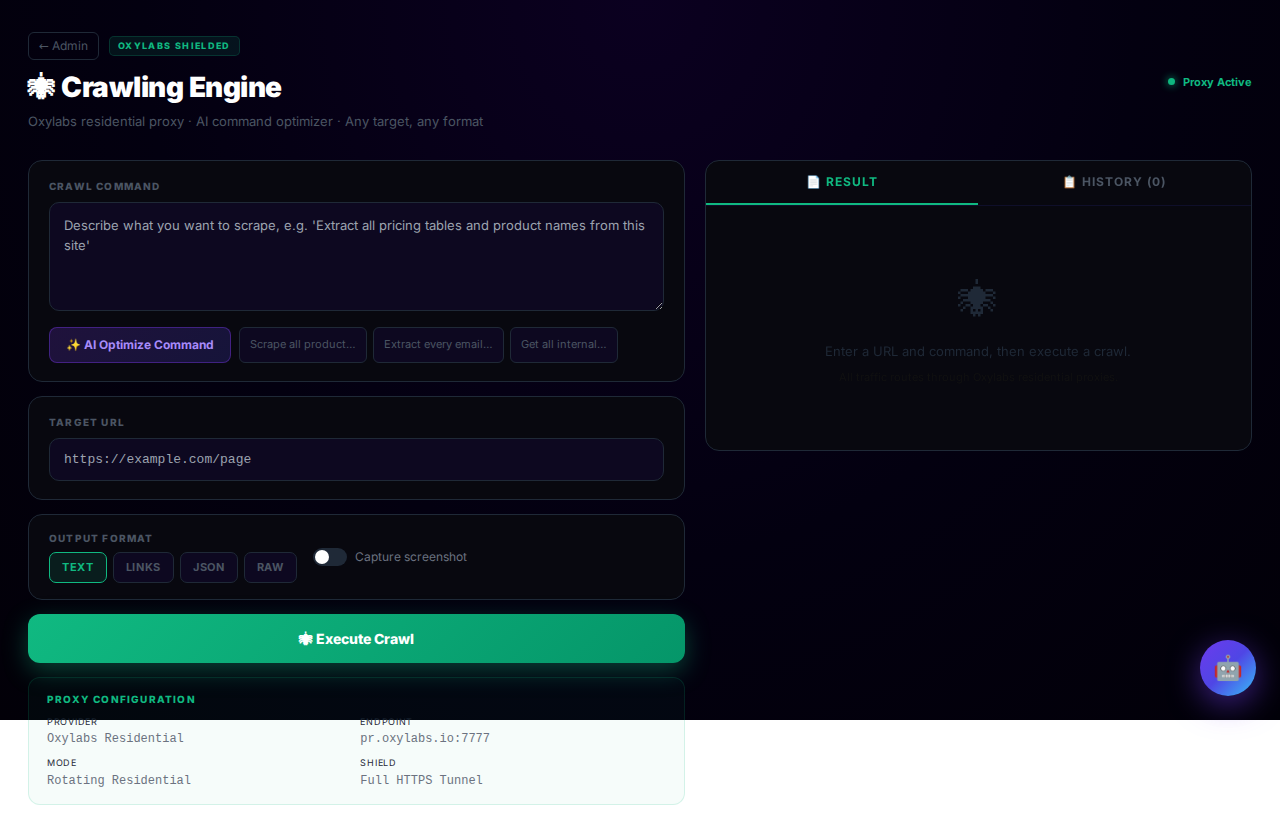
Crawling
Oxylabs-shielded web scraper. Input any URL to extract full-page content, run AI-optimised extraction commands, and export results as structured JSON or raw text for use in proposals.
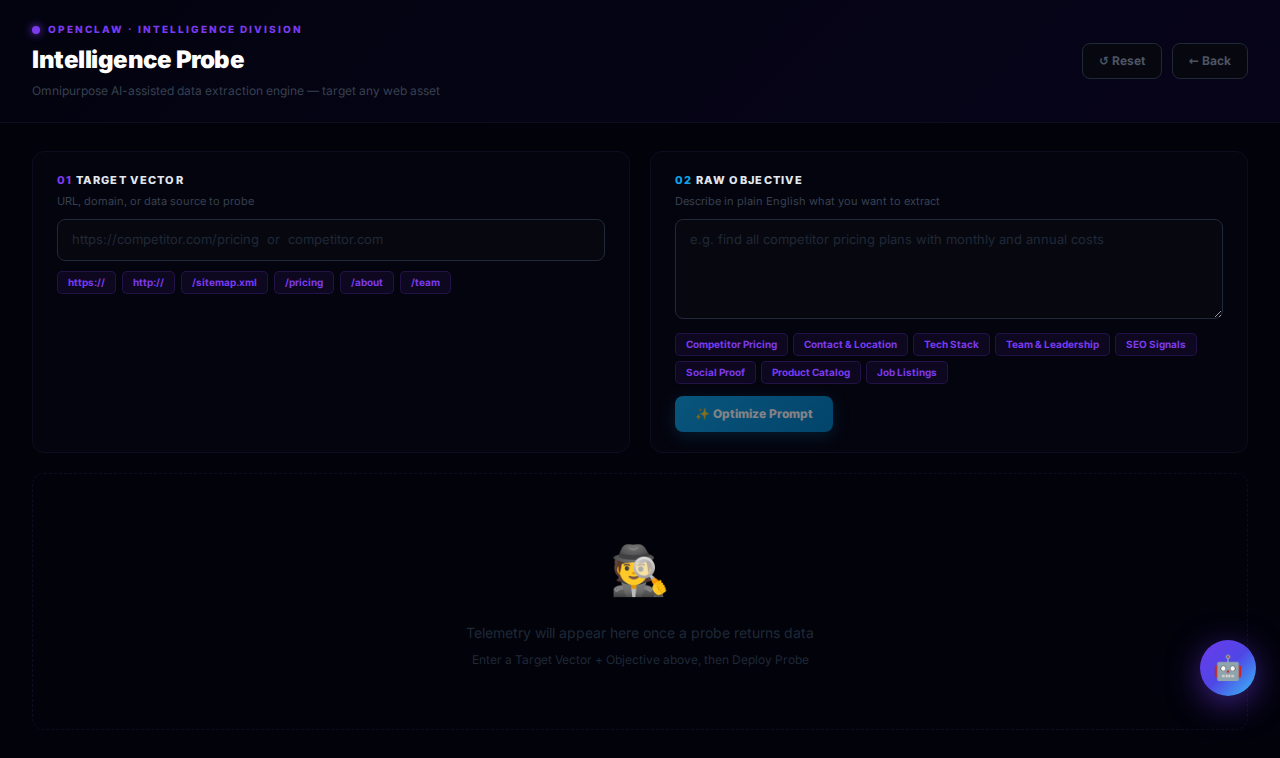
OpenClaw (Admin)
Admin interface for the OpenClaw AI enrichment engine. Manage enrichment jobs, inspect raw outputs, and troubleshoot scrape pipelines.
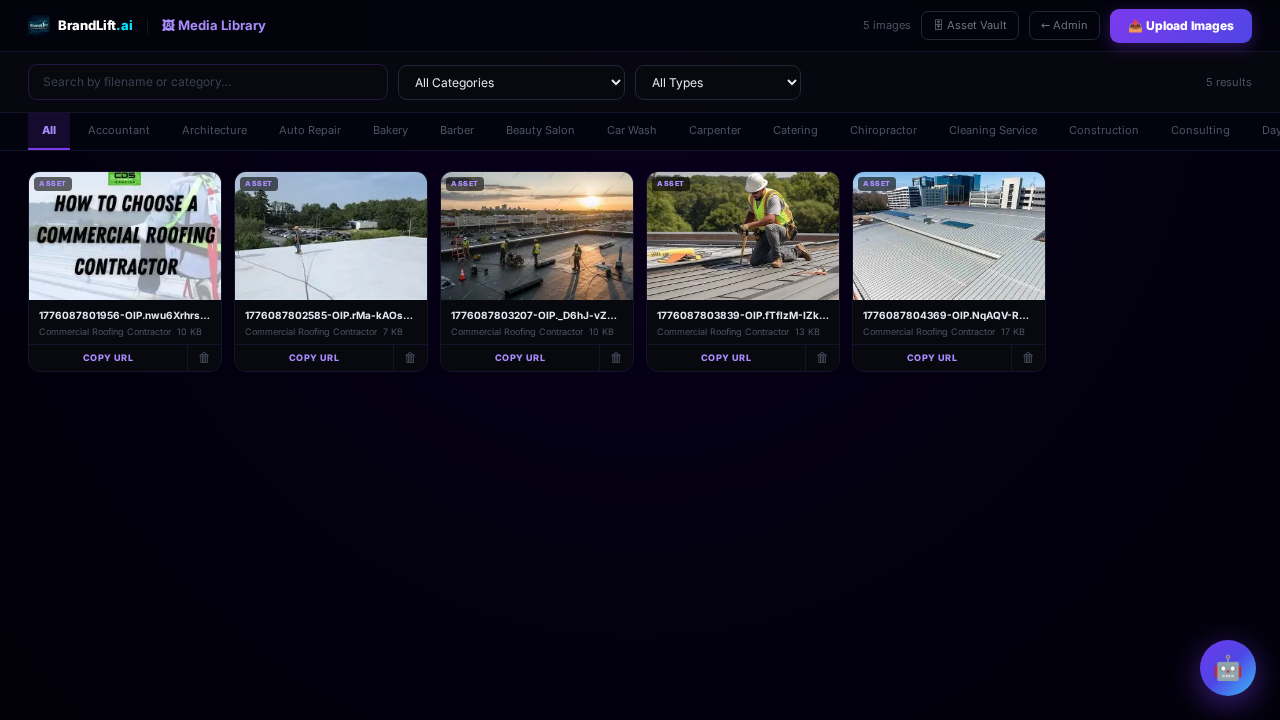
Media Library
Centralised media asset manager. Upload, organise, and tag images and files used across proposals, templates, and client site builds.
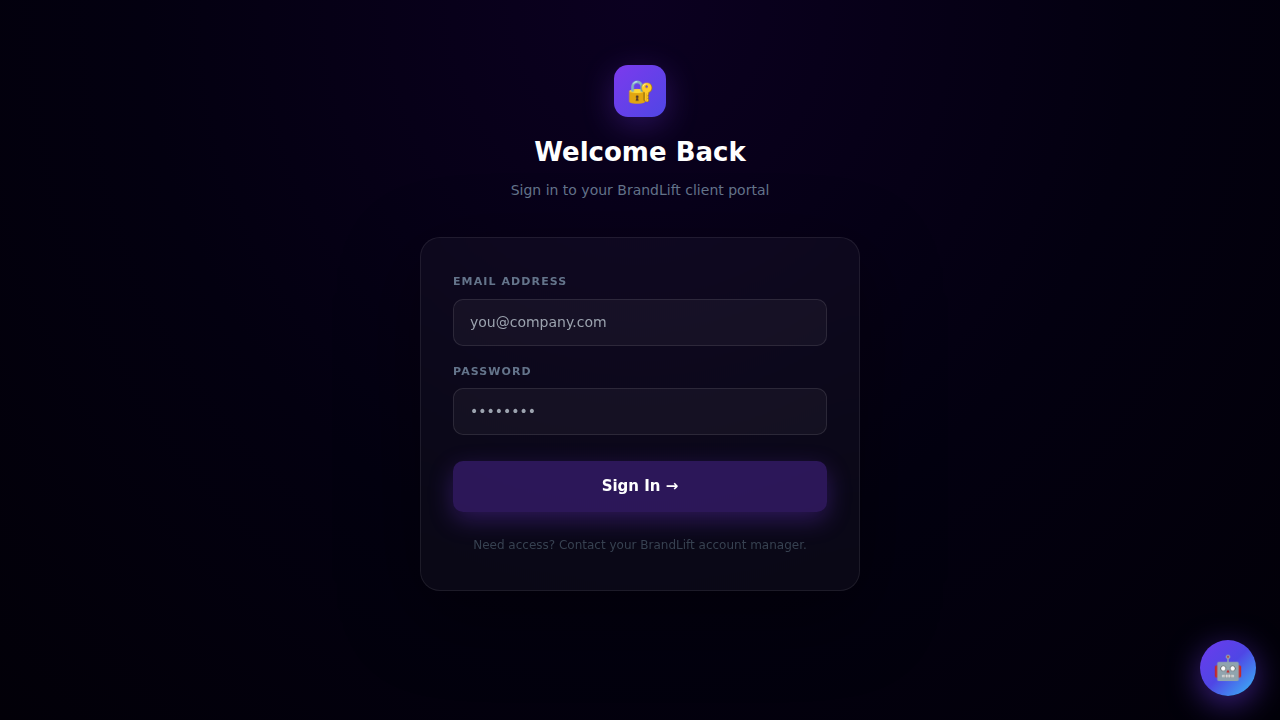
Client Portal — Login
The client-facing login gateway. Clients enter credentials here to access their portal dashboard, billing, upgrades, and site management tools.
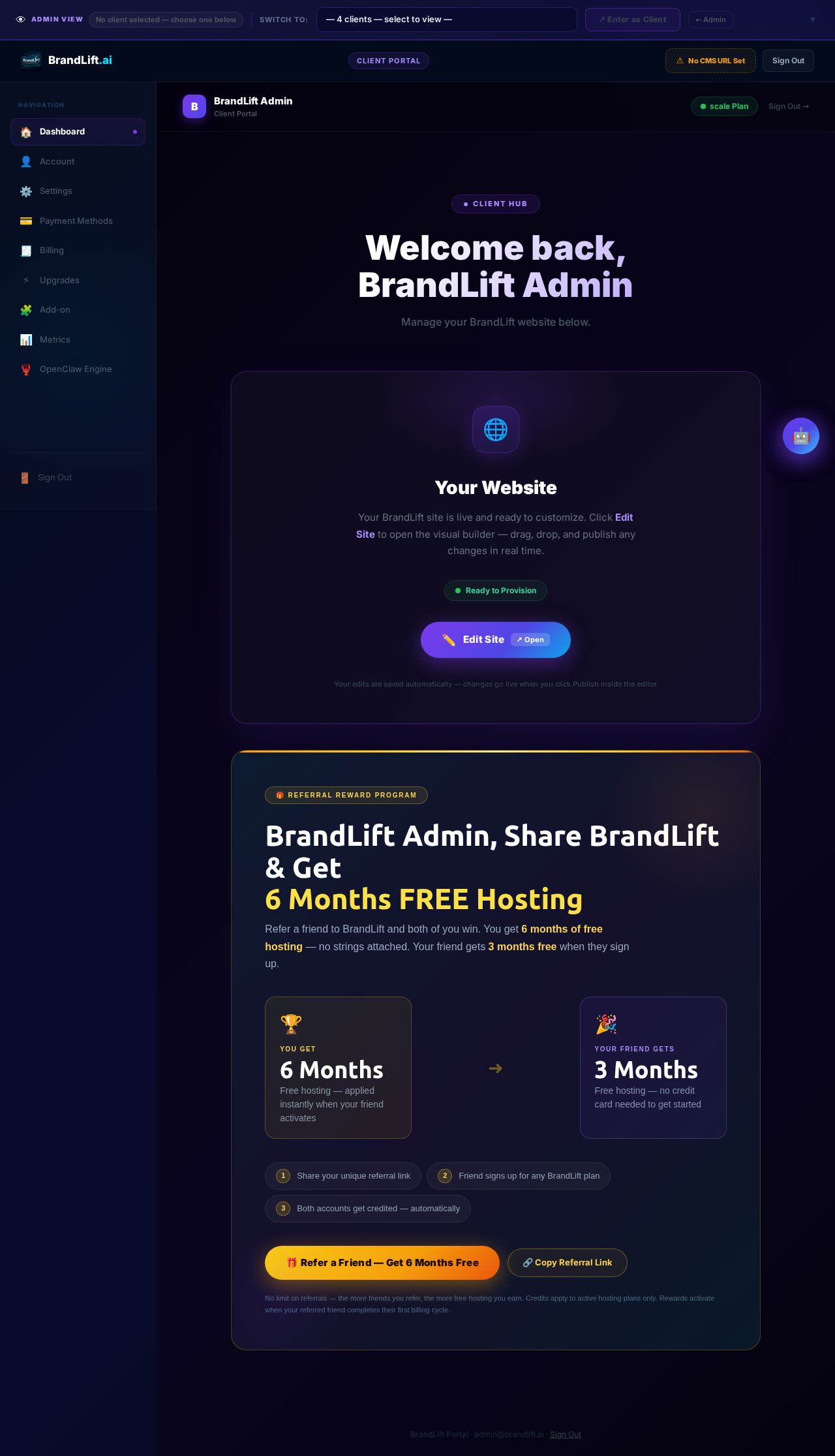
Client Portal — Dashboard
The main client dashboard after login. Shows active hosting plan, site status, quick-access tiles for billing, upgrades, and add-ons.
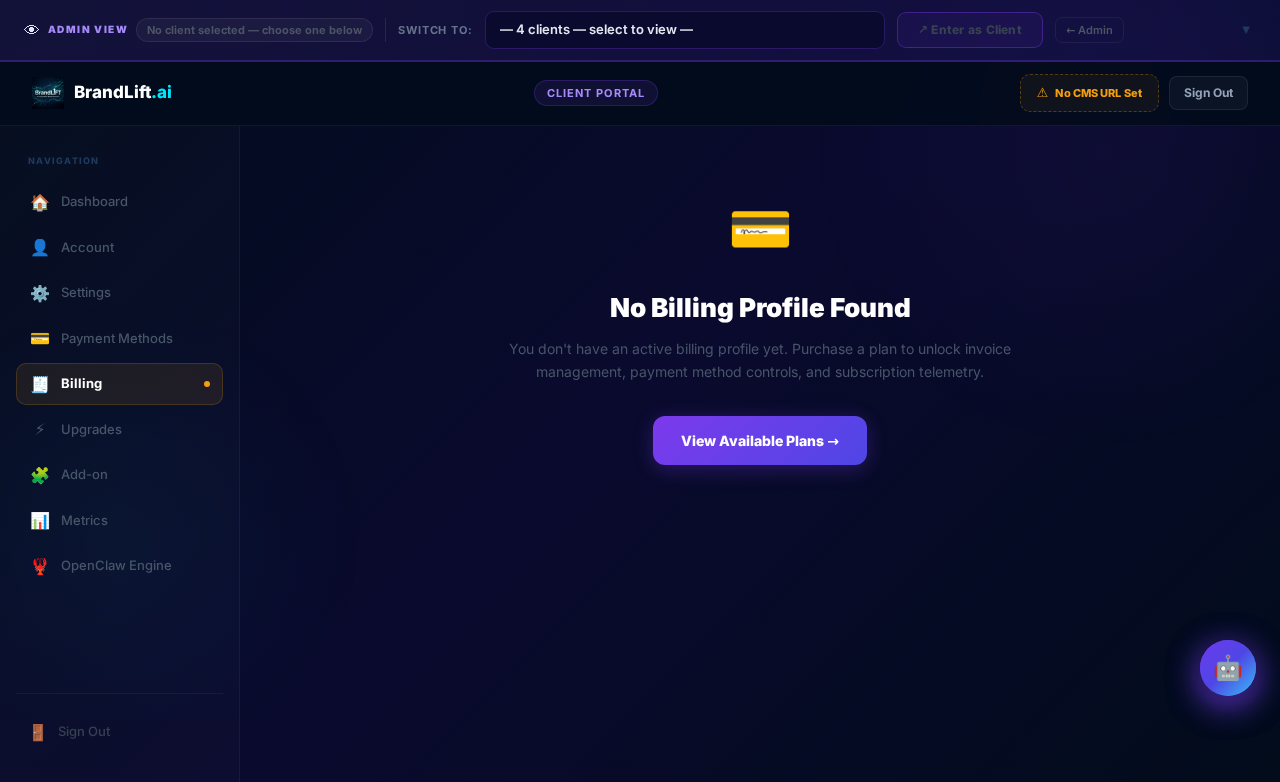
Client Portal — Billing
Client billing overview. Displays current plan, payment history, upcoming invoices, and links to manage payment methods via Stripe.
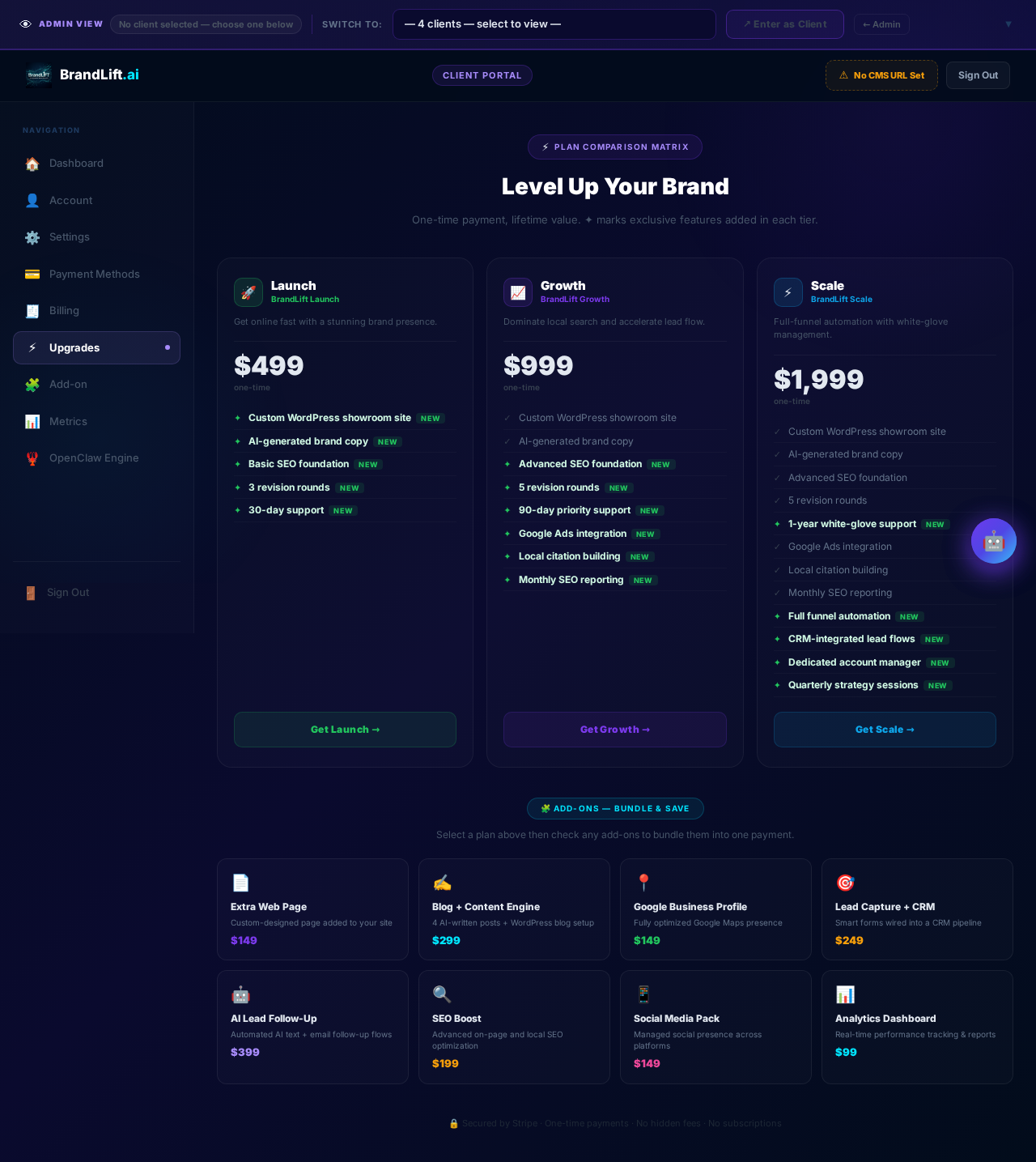
Client Portal — Upgrades
Plan upgrade selection screen. Lets clients compare hosting tiers and upgrade their plan with Stripe checkout integration.
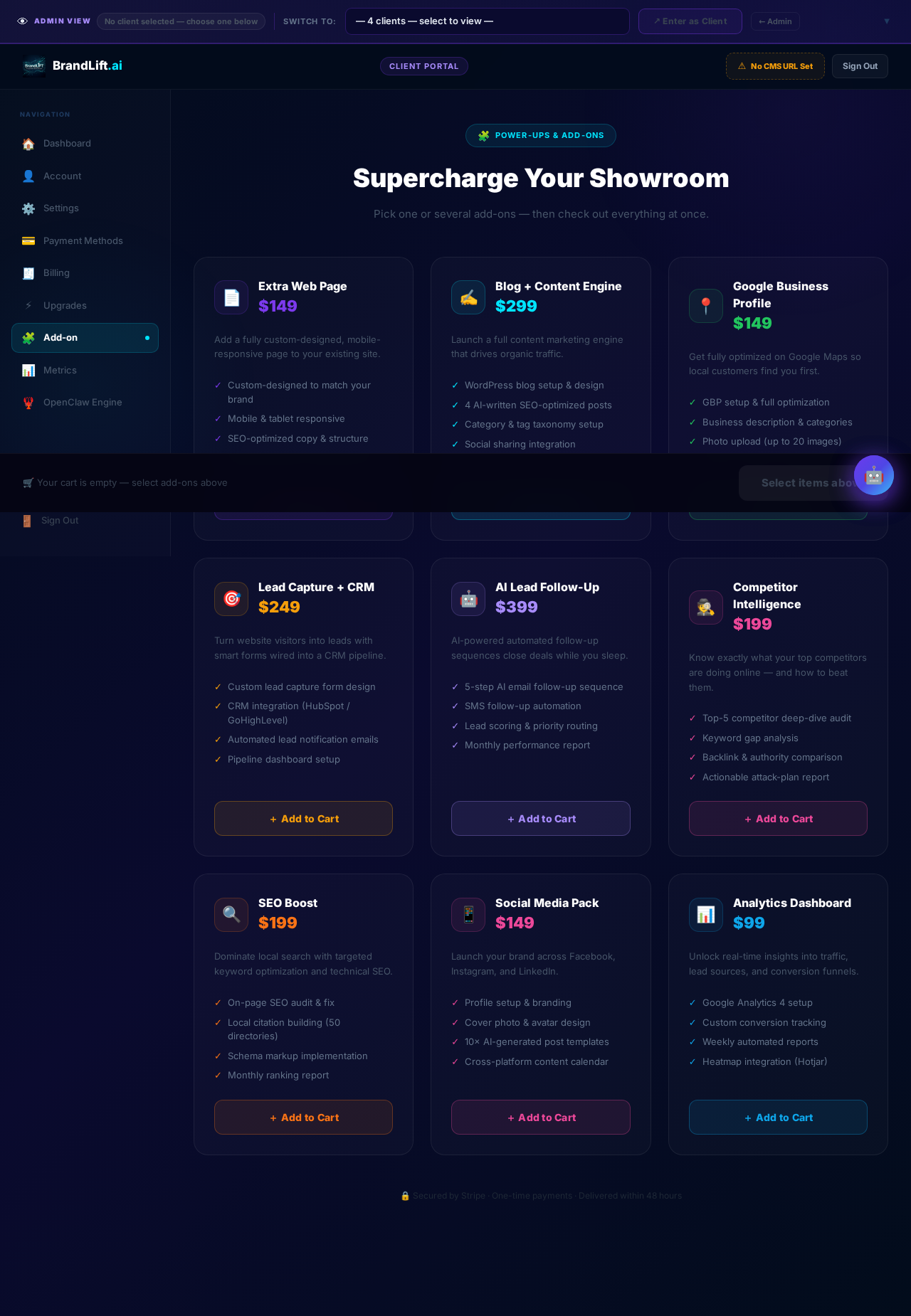
Client Portal — Add-Ons
À-la-carte add-on marketplace. Clients can purchase additional services such as SEO packages, extra pages, or priority support.
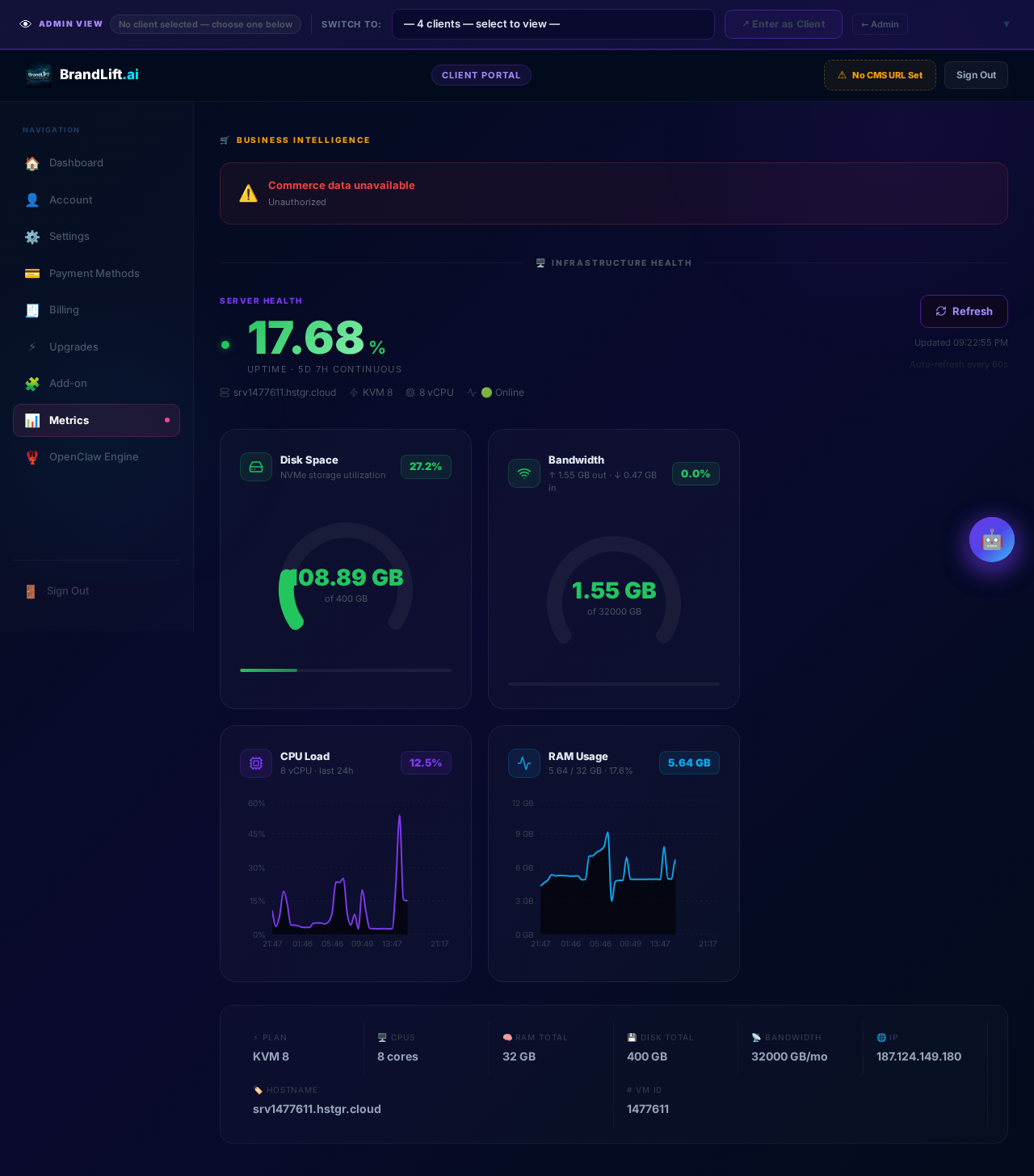
Client Portal — Metrics
Client-facing server and site performance metrics. Shows uptime, response times, and key health indicators for the client's hosted site.
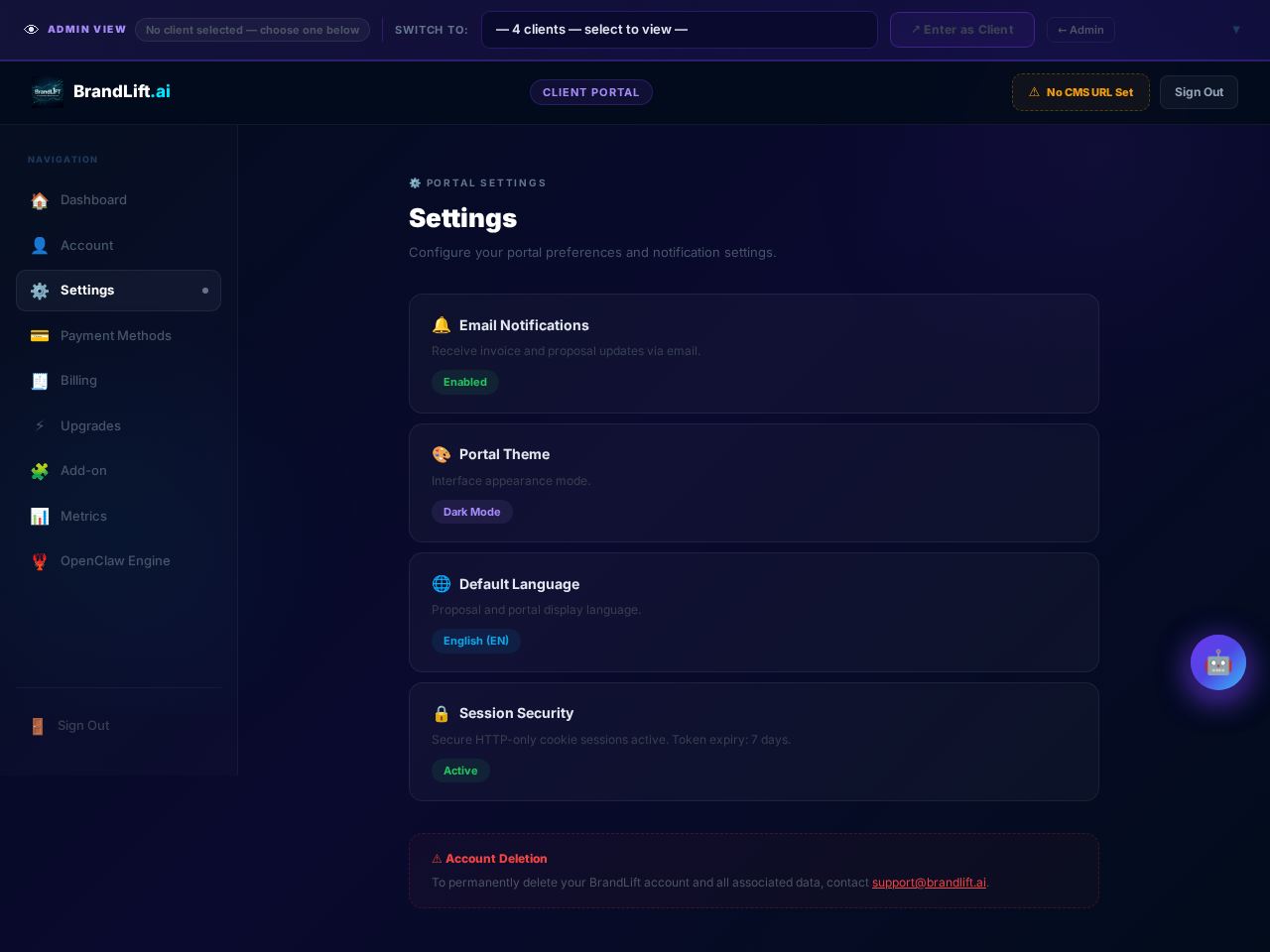
Client Portal — Settings
Client account settings. Update contact details, notification preferences, and manage portal access credentials.
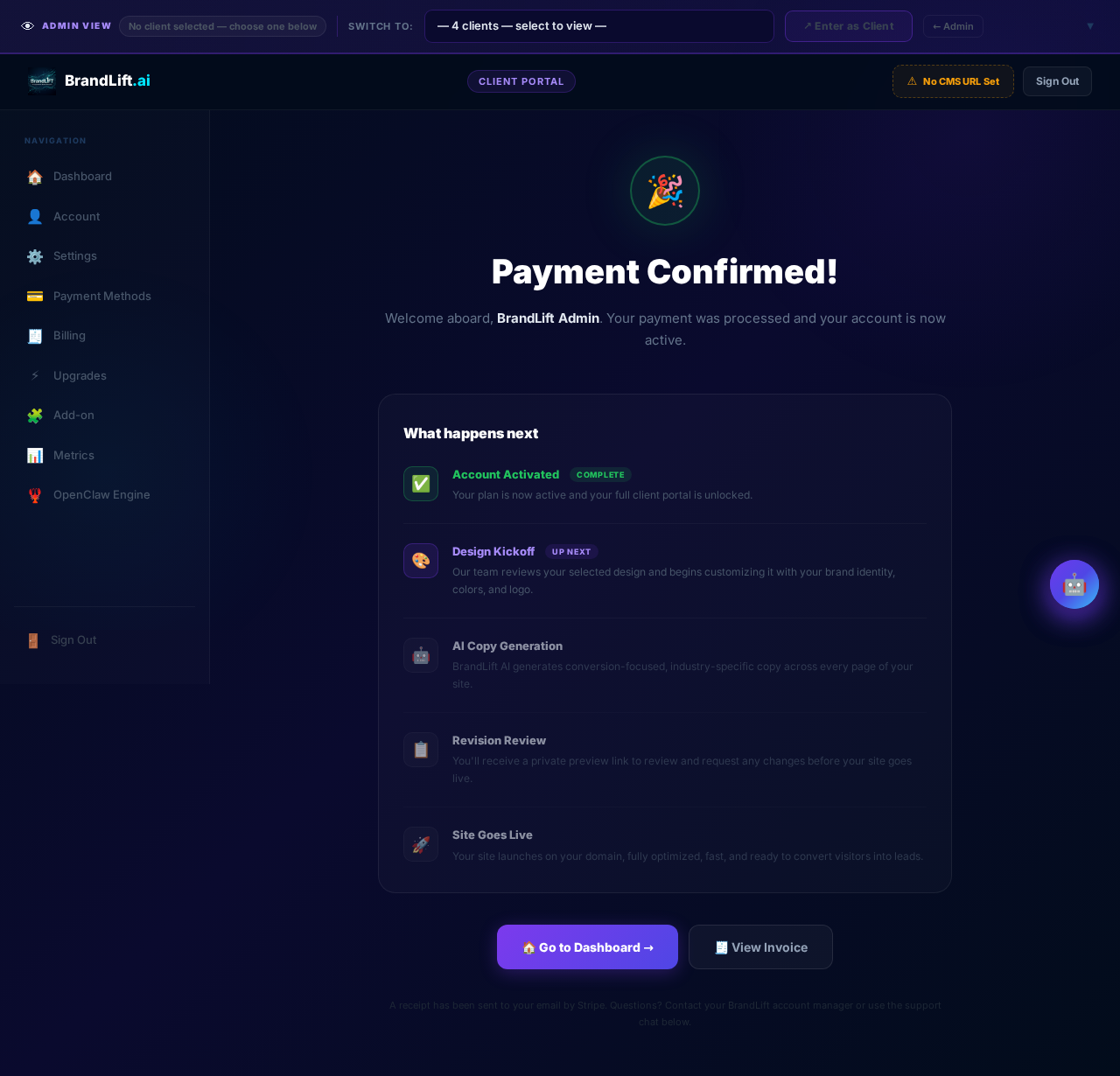
Client Portal — Welcome
Onboarding welcome screen shown to new clients after their site is provisioned. Guides them through first steps and key portal features.
BrandLift Marketing Site
The public-facing BrandLift marketing page. Showcases the agency's services, built on the Artelligence AI template with desktop, tablet, and mobile responsive layouts.